EasyManua.ls Logo

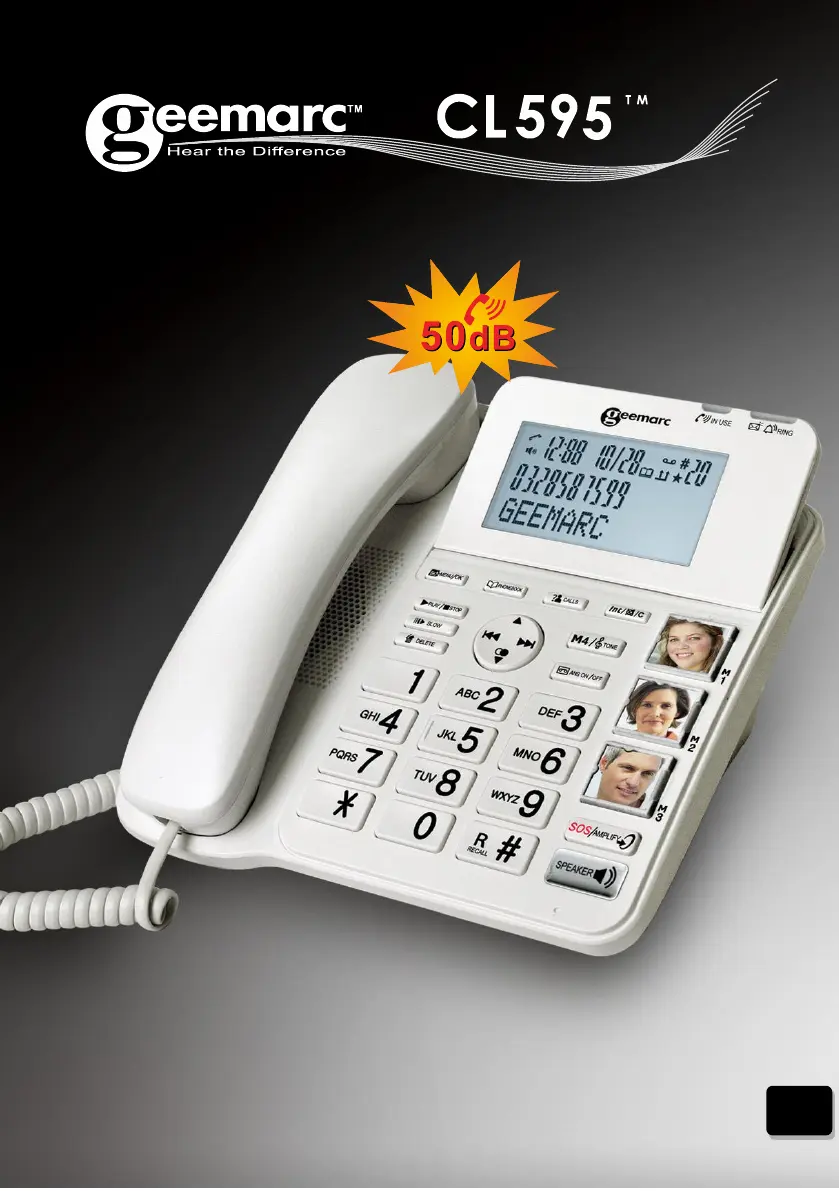
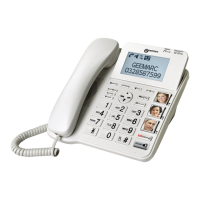
Geemarc CL595 - User Manual

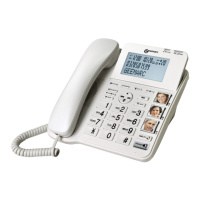
Geemarc CL595
48 pages
Print Icon
To Next Page IconTo Next Page
Loading...
USER GUIDE
UK

Table of Contents

Questions and Answers

  • B
    Brandon HullAug 2, 2025
    What to do if my Geemarc Telephone does not work?
    • M
      Michael JohnsonAug 2, 2025
      If your Geemarc Telephone isn't working, here are a few things to try: * Ensure the handset is returned to the telephone base after use for optimal performance. * Verify the power adapter is securely plugged into an outlet that isn't controlled by a wall switch. * Confirm the telephone line cord is firmly plugged into both the telephone base and the wall jack. * Try unplugging the telephone base's power, waiting 15 seconds, and then plugging it back in. Allow a minute for synchronization. * Test the wall jack with a working corded phone to rule out wiring or service issues. If the corded phone also doesn't work, contact your telephone service provider.
  • J
    Joshua HullNov 16, 2025
    Why do my Geemarc Telephone calls fade out?
    • A
      Alex YoungNov 16, 2025
      If you're experiencing interference or fading calls on your Geemarc Telephone, here are some possible causes and solutions: * You may be out of range, so move closer to the telephone base. * If you have DSL internet, ensure a DSL filter is installed between the telephone base and the wall jack. * Appliances or other cordless phones on the same circuit can cause interference. Try moving the appliance or telephone base to another outlet. * Other electronic devices can interfere. Keep your telephone away from wireless routers, radios, cellular phones, computers, and kitchen appliances. * If your telephone is plugged in with a modem or surge protector, try plugging the telephone (or modem/surge protector) into a different location. Also, try re-locating your telephone or modem farth...

Summary

Important Safety Instructions

Setting Up the Telephone

Connecting the Base Station and Initial Configuration

Instructions for connecting the base station and performing initial setup like language and time.

Using Your Phone

Making External Calls

Instructions for preparatory dialing, direct dialing, and calling from phonebook or call list.

Answering, Volume, and Mute Functions

How to answer, end calls, adjust volume, mute the microphone, and use volume boost.

Phonebook Management

Adding and Viewing Phonebook Entries

Steps to add new contacts and view existing entries in the phonebook.

Editing and Deleting Phonebook Entries

How to edit, delete individual, or delete all entries from the phonebook.

Fast Dial Number Management

Procedures for setting, viewing, and deleting fast dial numbers for quick access.

SOS Emergency Function

SOS Settings and Messages

Setting SOS numbers, recording, playing, and deleting SOS emergency messages.

Making SOS Emergency Calls

Procedures for initiating SOS emergency calls and handling the call sequence.

Answering Machine

Answering Machine Operation

Switching the answering machine on/off and playing incoming messages or memos.

Answering Machine Settings Management

Setting TAM language, call screening, outgoing message, and answer delay.

Troubleshooting

Phone Not Working Solutions

Solutions for when the telephone does not function at all, including power and line checks.

Geemarc CL595 Specifications

General IconGeneral
TypeCorded Telephone
Hearing Aid CompatibilityYes
Speed DialYes
Caller IDYes
Answering MachineNo
SpeakerphoneYes
Extra Loud RingerYes
Visual Ringer IndicatorYes
DECT TechnologyNo
HandsetCorded
KeypadLarge buttons
Volume ControlYes
DisplayBacklit LCD
Emergency DialYes (programmable)
AmplificationUp to 40dB
PowerMains powered

Related product manuals