23
7.4 Delete a direct memory key
1. Press MENU/OK, and ▼/▲ to select PHOTO MEM.
2. Press MENU/OK, and ▼/▲ to select M1 to M4.
3. Press MENU/OK and ▼/▲ to select DELETE.
4. Press MENU/OK and the display shows “CONFIRM?”.
5. Press MENU/OK to confirm.
7.5 Set the Memory Keys
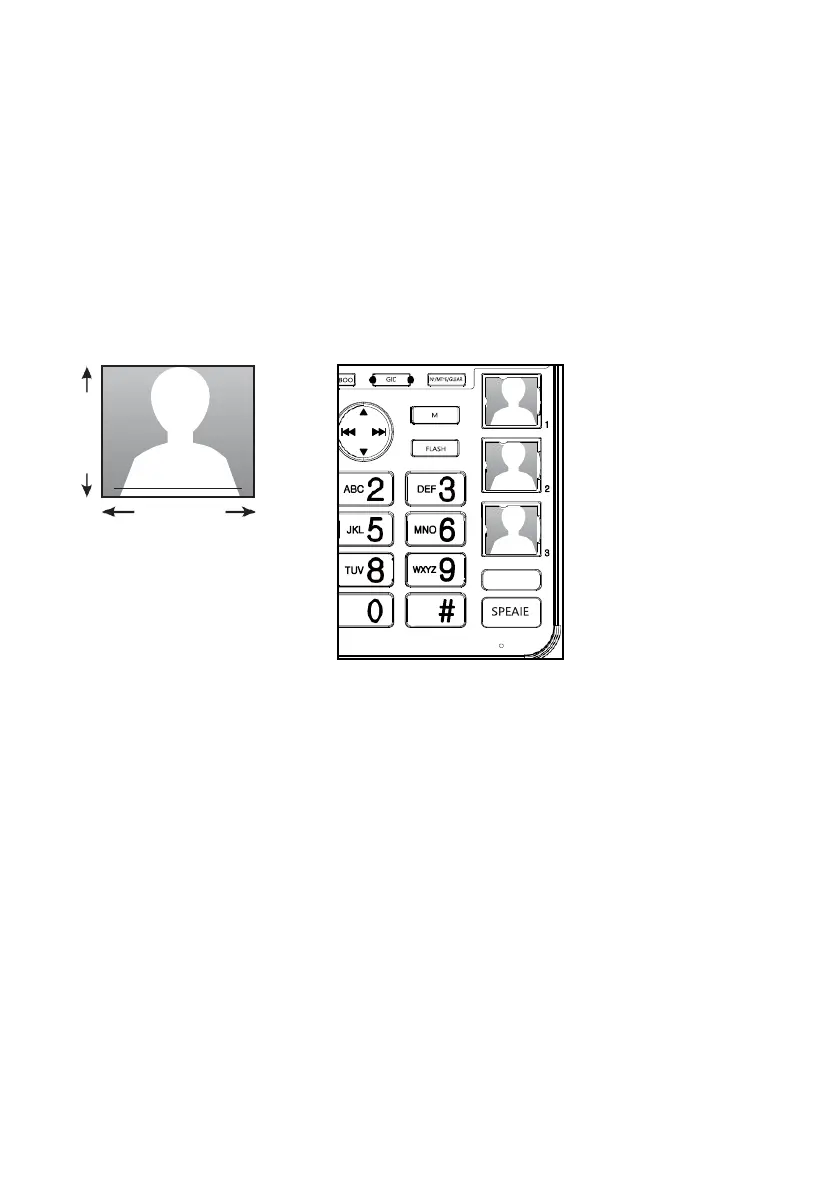
To insert a photo:
You can insert a desired photo into the compartment of the three photo speed dial memory keys 1, 2,
and 3, or write the contact name on the photo speed dial card.
1. Crop your desired photo to the size as indicated below.
2. Put the cropped photo into the photo speed dial compartment. Then flip down
the photo speed dial compartment cover.
21.95 mm



 To Next Page