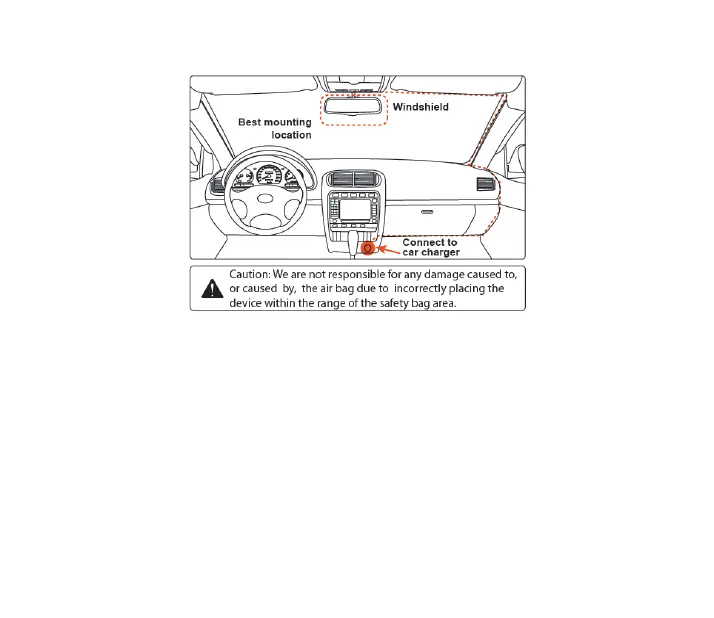
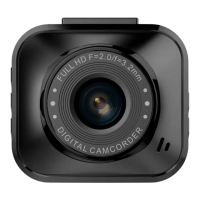
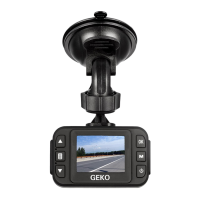
Where to Install Your Dash Cam
Settings
POWER LED:
Red - Indicates there is power supplied
INDICATOR LED:
Blue - Flashing indicates recording
Mode/Lock:
Recording Mode: Lock emergency recording
Preview Mode: Return recording mode
Playback Mode: Return preview mode
Up Button:
Preview Mode: Toggle to previous file
Playback Mode: Toggle to previous file
Down Button:
Preview Mode: Toggle to next file


 To Next Page