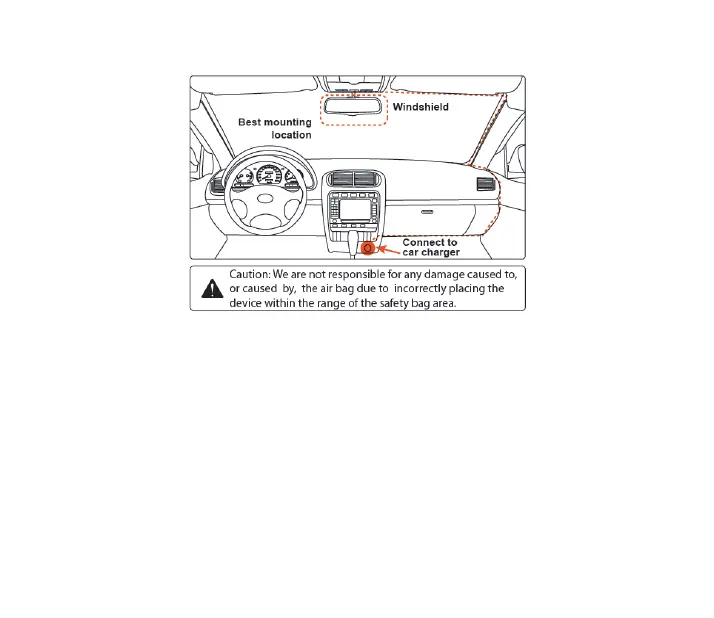
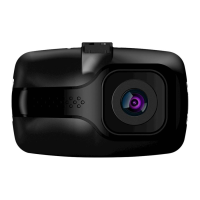
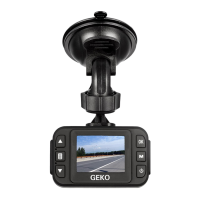
Where to Install Your Dash Cam
Settings
Mode/Lock/Menu:
Recording Mode: Lock emergency recording
Preview Mode: Return Video mode
Playback Mode: Return Video mode
Standby Mode: Enter in setting menu (Press and Hold)
Playback Mode: Delete/Lock/Unlock menu (Press and Hold)
Up Button:
Preview Mode: Toggle to previous file
Playback Mode: Toggle to previous file
Down Button:
Preview Mode: Toggle to next file
Playback Mode: Toggle to next file
Standby / Recording Mode: Record Audio On / Off


 To Next Page