EasyManua.ls Logo

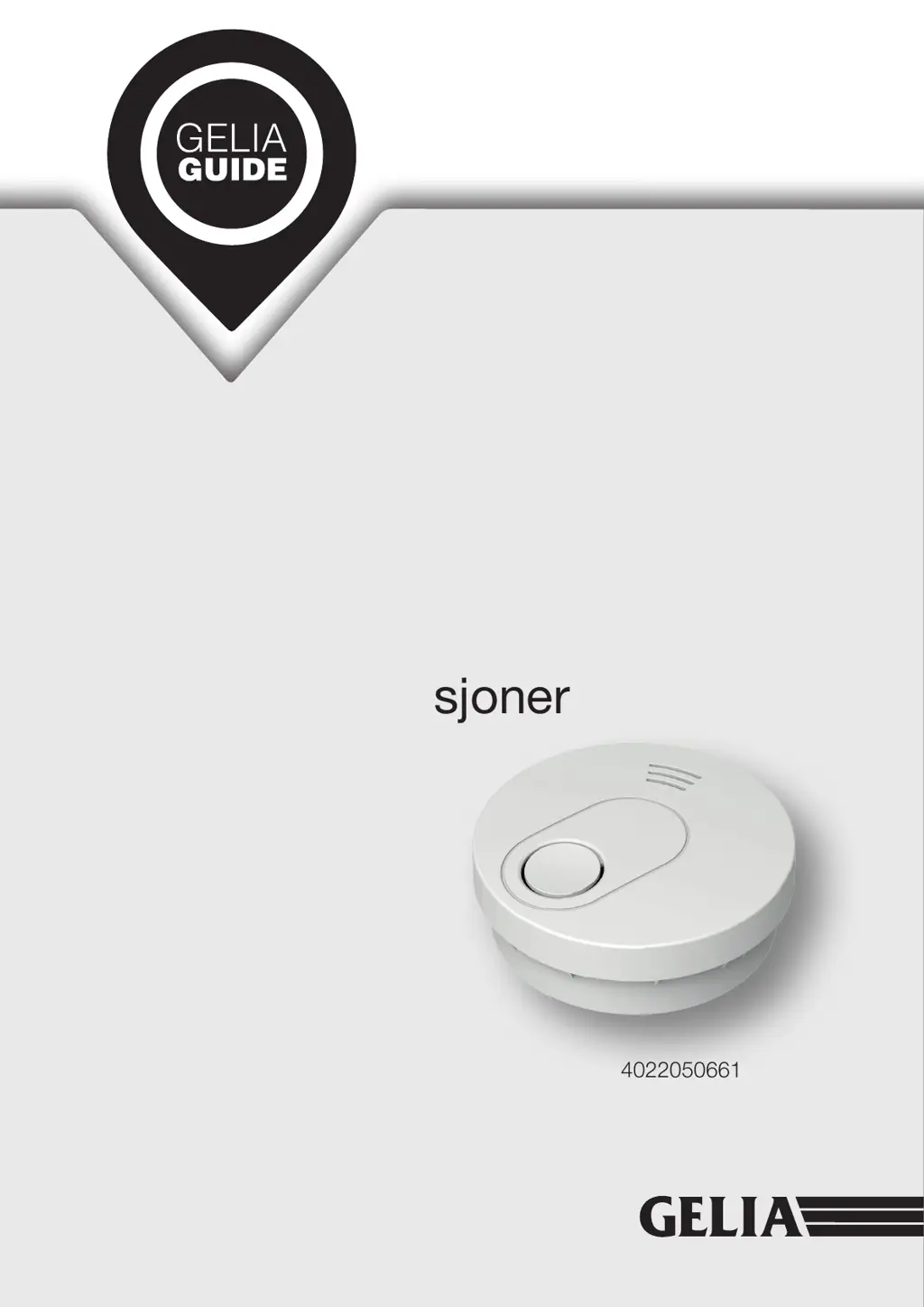
Gelia GS526 - User Manual

Gelia GS526
26 pages
Go to English
Print Icon
To Next Page IconTo Next Page
Loading...
User instructions
Användarmanual
Brukerinstruksjoner
Käyttöohjeet
4022050661
HOMESAFETY
GELIA
Industrigatan
SE 46740, Grästorp

Questions and Answers

  • S
    scott08Aug 4, 2025
    What to do if Gelia GS526 sounds unwanted alarms?
    • B
      Brian MorrisonAug 4, 2025
      If your Gelia Smoke Alarm sounds unwanted alarms intermittently, such as when cooking or showering, you can try the following: * Press the test button to pause the alarm. * Clean the smoke alarm device. Consult the “maintenance and cleaning” section for instructions. * Move the smoke alarm to a new location and press the test button.
  • A
    Alison MathewsAug 14, 2025
    Why does Gelia GS526 Smoke Alarm chirp every 32 seconds?
    • E
      eevansAug 14, 2025
      If your Gelia Smoke Alarm emits a “chirp” and the red LED flashes once every 32 seconds, it means the battery is low. Replace the smoke alarm device to resolve this issue.
  • W
    Wesley WilliamsAug 22, 2025
    How to fix Gelia GS526 Smoke Alarm that doesn't sound when tested?
    • D
      Dustin MoodyAug 23, 2025
      If your Gelia Smoke Alarm device doesn't sound when tested, follow these steps: 1. Ensure the alarm is correctly fitted on the bracket by turning the alarm body clockwise until it matches well. 2. Clean the smoke alarm device, referring to the “maintenance and cleaning” section. 3. If failures persist during the warranty period, return the device to your retailer. 4. If the unit is out of warranty, replace it with a new alarm.

Summary

Product Specifications

Description

Important Safety Information

Operation

Testing

Tests the unit's electronic circuitry, horn, and battery for proper operation.

LED Indicators

Explains the meaning of different red LED flashing patterns and chirp sounds.

Alarm Silence (Hush Mode)

Allows temporary silencing of the alarm during a nuisance alarm event.

Maintenance and Cleaning

Repair

Trouble shooting

Device does not sound when tested

Troubleshooting steps for when the smoke alarm fails to sound during testing.

Alarm chirps with red LED flashes every 32 seconds

Indicates low battery status; suggests replacing the smoke alarm device.

Device chirp occurs every 32 seconds, goes into fault mode

Troubleshooting for fault mode, suggests cleaning or replacing the device.

Practice Fire Safety

Warranty Information

Installation

Bedroom and Hallway Placement

Recommendations for installing alarms in bedrooms and hallways for comprehensive coverage.

Stairway and Multi-Floor Placement

Guidance on installing alarms in stairways and on each floor of a dwelling.

Ceiling and Wall Mounting Guidelines

Instructions on optimal placement on ceilings and walls, including distances from corners.

Sloping Ceiling and Long Hallway Placement

Specific advice for installing on sloping ceilings and in long hallways (>30 ft).

Activation

Correct Disposal of this product

Gelia GS526 Specifications

General IconGeneral
BrandGelia
ModelGS526
CategorySmoke Alarm
LanguageEnglish