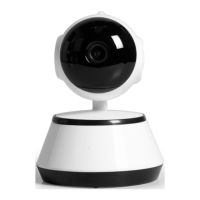
ROTATING HD WIFI CAM
WI-FI SMART LINK CONFIGURATION
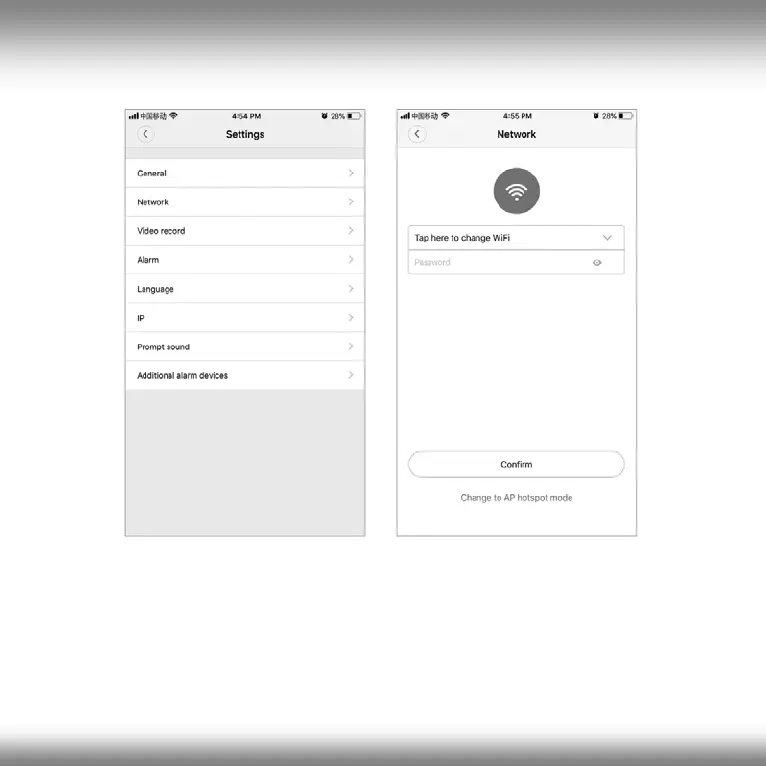
Tap “Waiting for WiFi smartlink configuration”, enter Wi-Fi password,
you can also enter camera ID, and then tap “Next”. Once you hear the
camera voice prompt “WiFi connected”, it will be shown on device list. The
last step for setting up your camera is to set a password for the camera.
24
All brands and logos are registered trademarks of their respective owners


 To Next Page