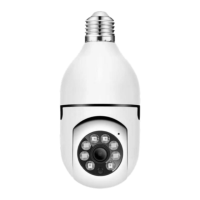
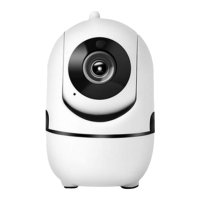
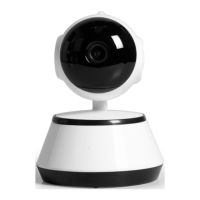
ROTATING HD WIFI CAM
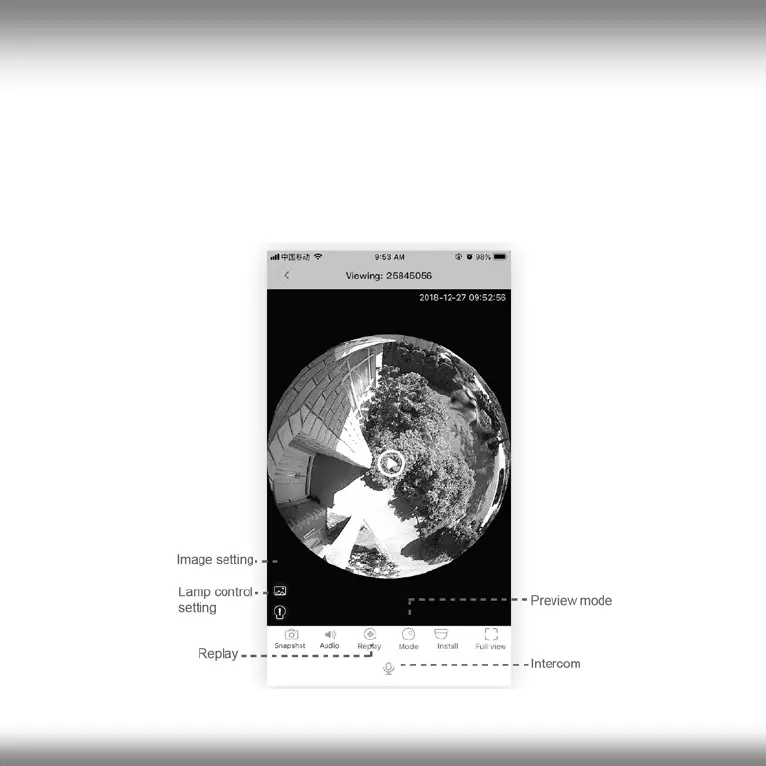
Preview live video feed
All your installed cameras are displayed in the device list. Press the "PLAY"
icon to view the live images from a camera. In the Preview screen you can,
among other things, move the camera, use the intercom function, start
recordings, replay recorded videos, take screenshots, etc..
25
All brands and logos are registered trademarks of their respective owners


 To Next Page