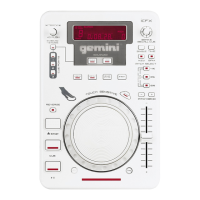
cdmp- 7000 manual • geminidj. com
12
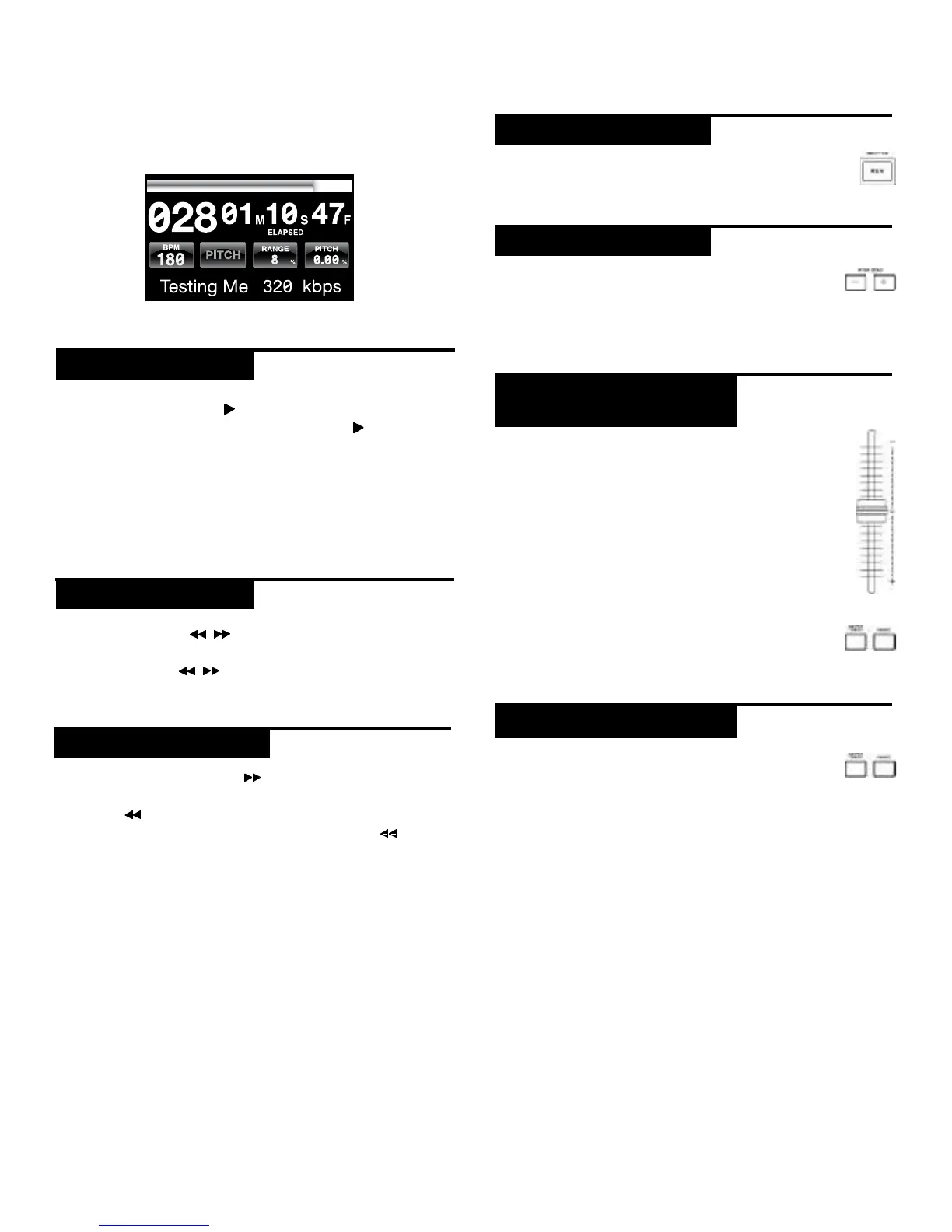
Once you have loaded a track, the TRACK TITLE on the
LCD Touch Screen will display the loaded track.
Pressing PLAY/PAUSE
/ ll (2) will begin playback of
the selected track. Pressing PLAY/PAUSE
/ ll (2) again
will pause playback and hold the track at the current
position.
• Pausing playback before the disc is ejected:
-Before ejecting a disc, the unit must be PAUSED.
The disc will not eject while the unit is playing.
Pressing SEARCH / (4) will search through the
track in the direction (forward/reverse). Pressing and
holding SEARCH / (4) will fast-search through the
track in the direction (forward/reverse).
Pressing TRACK SEARCH l (5) will advance to the
beginning position of the next track. Pressing TRACK
SEARCH l (5) will return the current track to the
beginning position. Pressing TRACK SEARCH l (5)
twice consecutively returns to the beginning point of the
previous track.
• When searching through folders:
-When files are organized in folders, only tracks
within the same folder are searched.
• Autocue function:
-When autocue is enabled, the player will pause at
the beginning of the track.
Pressing REVERSE (6) will begin playback in the
reverse direction.
Pressing the PITCH BEND [+] [-] (28) will raise
the pitch up to +100% or lower the pitch down
to -100% from the existing pitch setting. Releasing the
buttons will return the pitch to the original pitch setting.
Moving the PITCH CONTROL FADER (29) will
accelerate the pitch/tempo when moved towards
[+] and deaccellerate the pitch/tempo when it is
moved towards [-].
The current PITCH/TEMPO value is displayed on
the LCD Touch Display.
Pressing the RANGE (26) button adjusts the
range of the PITCH CONTROL FADER between
+/- 4%, 8%, 16%, 24% ,50% and 100%
MASTER TEMPO (27) allows tempo adjustment
without changing the original pitch.
The current mode, either PITCH or TEMPO, is displayed
on the LCD Touch Display.
• RANGE in MASTER TEMPO:
-In MASTER TEMPO mode, the range is +/- 4%, 8%,
16%, 24% ,50% and 100%
• Sound quality:
-The sound is digitally processed in MASTER
TEMPO mode, so a loss in sound quality may occur
if drastic tempo adjustments are employed.
playback controls
play/ pause
search
track search
reverse
pitch bend
adjusting pitch/
tempo
master tempo


 To Next Page