4
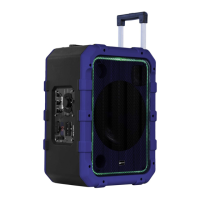
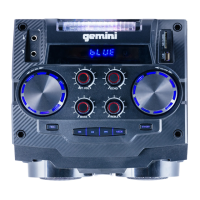
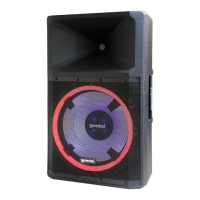
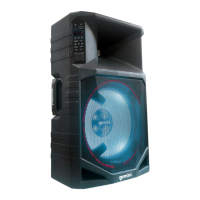
GSX-L515BTB
PARTY SPEAKER SYSTEM
1. Power Switch: Press to turn on or o.
2. Party Light: Use this to turn on or o the party lights.
3. Master Volume: Turn to set the volume of the speaker.
4. Aux Input/USB/TF Card Input: Connect any external
audio device to the AUX or use a USB or TF Card.
5. Treble: Turn to adjust the Treble of the output.
6. Bass: Turn to adjust the Bass of the output.
7. Microphone Echo: Turn to set the amount of echo on the
microphone.
8. Microphone Volume: Turn to set the volume of the wired
microphone.
9. DC Input: Plug in the included DC Power adapter.
10. Microphone Input: Connect the included wired microphone
here.
11. Guitar Input: Connect a Guitar to this input.
12. Media Player: Use this set of buttons to control USB or TF
Card and to switch to Bluetooth.


 To Next Page
 Loading...