EasyManua.ls Logo

Geneinno TITAN - User Manual

Geneinno TITAN
19 pages
Print Icon
To Next Page IconTo Next Page
Loading...
TITAN
USER MANUAL
V1.0.5
2018.12

Questions and Answers

  • L
    lisa33Jul 27, 2025
    What to do if connected to GENEINNO WIFI hotspot, but can't see the real-time picture or control Robotics?
    • J
      Joshua WebsterJul 27, 2025
      If you are connected to the GENEINNO WIFI hotspot but cannot see the real-time picture or control the robotics, here are a few things to check: * If the Titan LED flashes 3, 4, or 5 times, this indicates an internal fault. Please contact after-sales customer service. * If the LED light does not flash, check the battery level and charge if low. If the issue persists after charging, contact after-sales customer service.
  • B
    Brenda SosaAug 6, 2025
    What to do if Geneinno Robotics motor obstruction?
    • S
      Susan FloresAug 6, 2025
      If you experience a motor obstruction with your Geneinno Robotics, power off the device first. Then, manually remove any obstacles that may be blocking the motor. After clearing the obstruction, power the device on again.
  • J
    John LarsonAug 17, 2025
    How to fix can't search for GENEINNO WIFI hotspot after cable connection?
    • S
      Sarah BaileyAug 17, 2025
      If you cannot search for the GENEINNO WIFI hotspot after establishing a cable connection, check that the cable connection is secure. Also, check the wireless relay battery indicator to ensure the battery is not low.

Summary

I. User Tips

Packing List

Lists all items included in the TITAN user package for reference.

Important Attentions

Provides critical safety precautions and usage guidelines for optimal device performance and user safety.

Manual Updates

Information on obtaining the latest version of the user manual from the official website.

II. Product

Product Overview

Introduces the TITAN as an intelligent underwater robot, detailing its core capabilities.

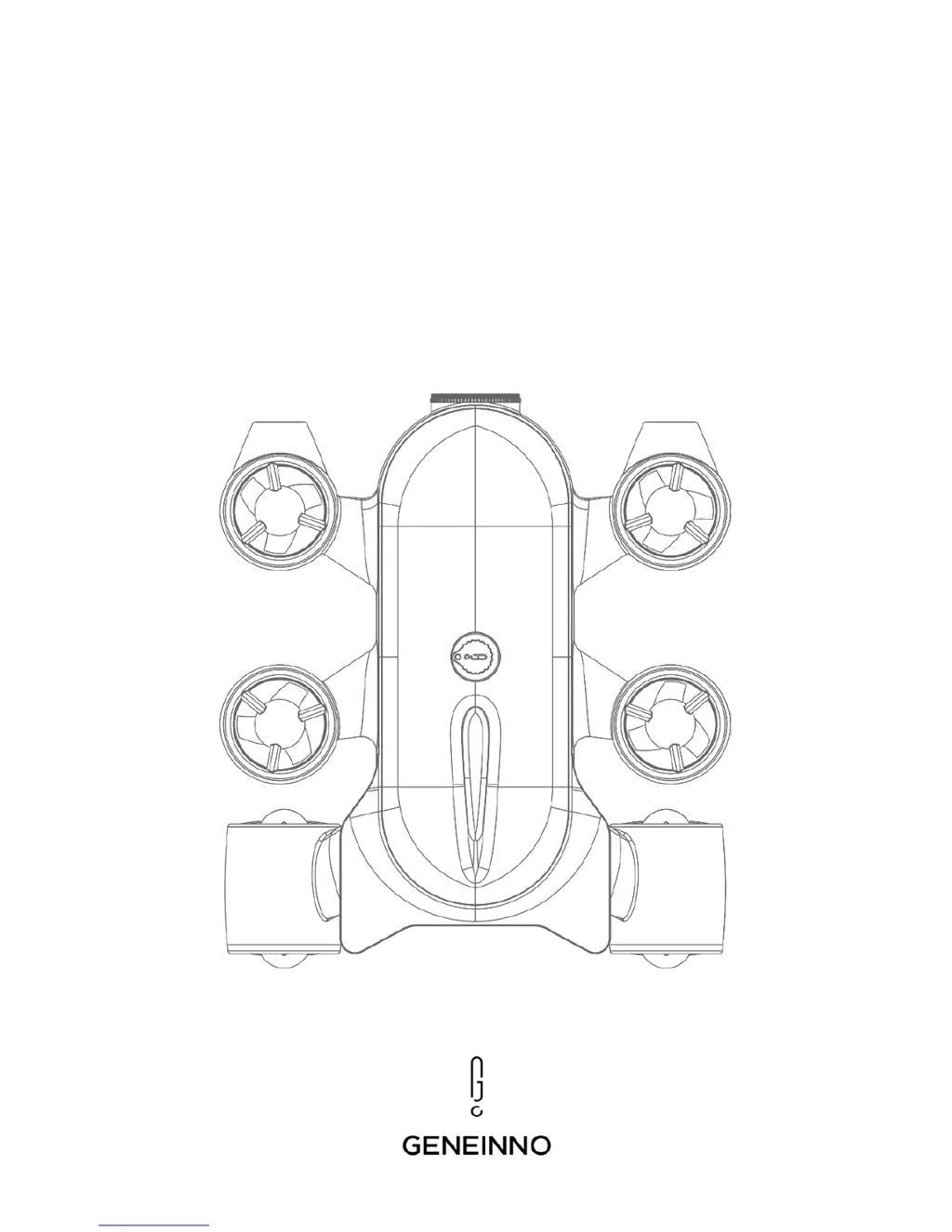
Titan Component Diagram

Visual representation of the TITAN drone, showing key parts and their labels.

Connecting the Titan

Step-by-step guide for establishing a connection between the TITAN drone and a mobile device.

Bluetooth Controller Setup

Instructions for pairing and operating the Bluetooth controller with the TITAN system.

Charging the System

Details the procedure for charging the TITAN drone and its wireless relay.

III. APP Operation

APP Main Page Overview

Describes the primary screen of the TITAN application, including device status and navigation.

APP Operation Interface Guide

Explains the controls, indicators, and functions available on the main operation screen of the app.

APP System Settings Configuration

Covers settings for camera, recording, environment, and other system parameters within the app.

APP Information Display

Details how to view internal storage, battery, motor speed, and firmware version via the app.

App Photo and Video Management

Explains how to access and organize photos and videos stored on the device through the app.

Exporting Media to Computer

Provides instructions for transferring photos and videos from the TITAN to a computer.

IV. Brief Troubleshooting

Wi-Fi Hotspot Connection Issues

Addresses problems with finding or connecting to the GENEINNO Wi-Fi hotspot.

Control and Real-time Picture Problems

Solutions for issues where the real-time video feed or device control is unavailable.

Motor Obstruction Resolution

Steps to take if a motor is obstructed, including manual clearing and power cycling.

V. Appendix

Product Parameter List

A comprehensive list of technical specifications for the TITAN drone and its accessories.

Product Warranty Information

Geneinno TITAN Specifications

General IconGeneral
BrandGeneinno
ModelTITAN
CategoryRobotics
LanguageEnglish