EasyManua.ls Logo

General tools TS07 - User Manual

Default Icon
9 pages
Print Icon
To Next Page IconTo Next Page
Loading...
160228 V1.0
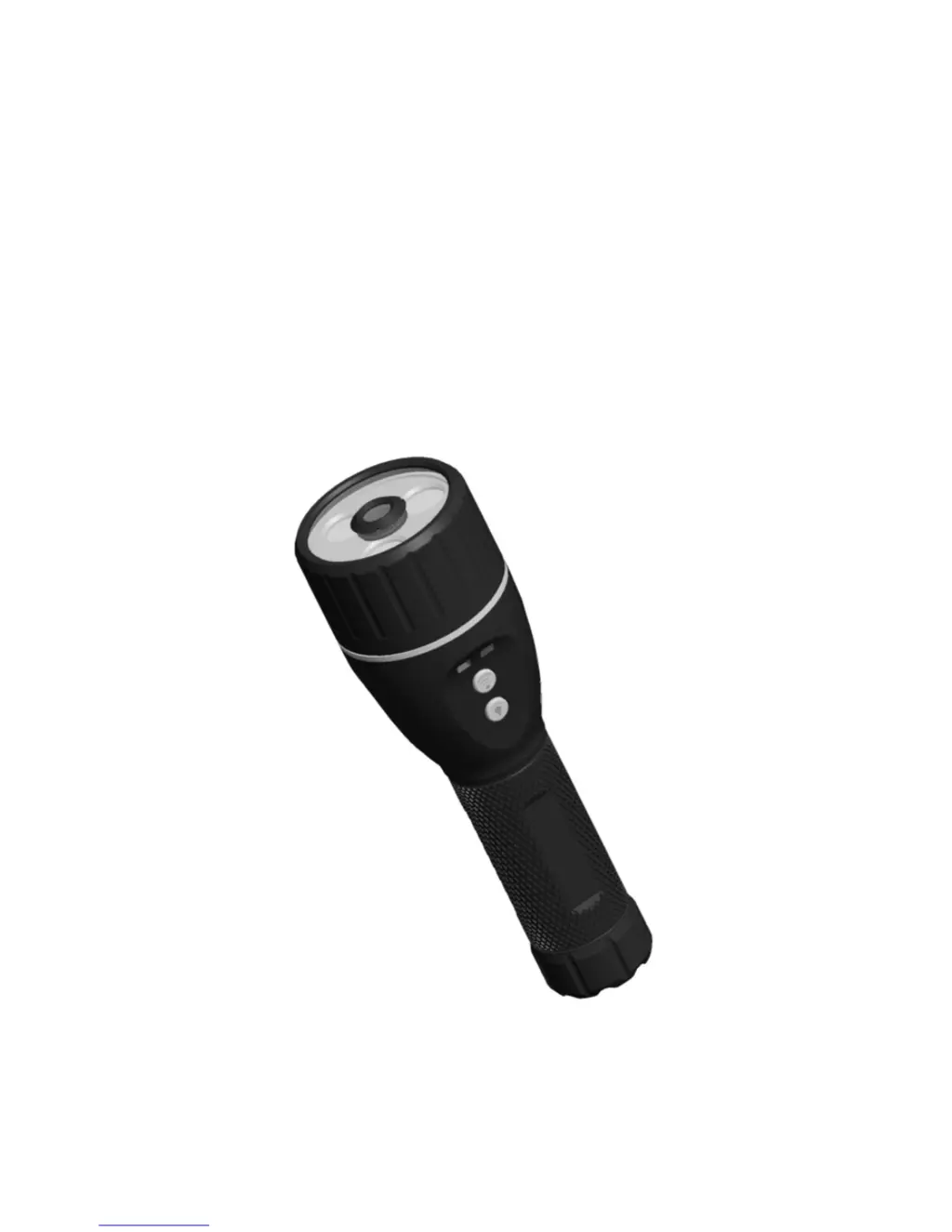
ToolSmart Illuminated Inspection Camera
Model: TS07
Operation Manual

Questions and Answers

  • M
    mortonjesseJul 27, 2025
    How to fix a General tools Analytical Instruments that won't charge?
    • M
      markhansenJul 27, 2025
      If your General tools Analytical Instruments device isn't charging, first ensure the charging wire is securely connected. If the connection is good, the charging interface or wire may be faulty and should be replaced. If those steps don't resolve the issue, the battery might be dead and should be replaced by a technician.
  • L
    leslie72Aug 2, 2025
    What to do if General tools Analytical Instruments can’t power on?
    • J
      jillvaughnAug 2, 2025
      If your General tools Analytical Instruments product doesn’t power on, it could be due to a few reasons. The circuit might be in protection status because of low battery, in which case you should use a USB charging wire to charge it and release the protection. Alternatively, try taking off the battery, charging it, and then reinstalling it. If that doesn't work, the battery may be dead, so use a USB cable to charge it. Another possibility is that the circuit is in protection status and the battery should be replaced.
  • C
    Christopher ParkerAug 8, 2025
    Why is the blue light off on my General tools Analytical Instruments?
    • M
      Maria RodriguezAug 8, 2025
      If the blue light on your General tools Analytical Instruments is off, or turns off within 20 seconds of turning it on, the battery is likely low. Use a USB cable to charge the device.
  • C
    cunninghamtoddAug 14, 2025
    What to do if the image from General tools Analytical Instruments has spots?
    • J
      Julia ButlerAug 14, 2025
      If the image from your General tools Analytical Instruments has spots, the camera head likely has spots on it. Check the camera head and clean it.
  • L
    Logan JonesAug 20, 2025
    Why does the image from General tools Analytical Instruments disappear?
    • M
      Matthew ChenAug 20, 2025
      If the image on your General tools Analytical Instruments is still or disappears, there may be interference. Restart the device and connect it again.

Summary

Overview

Safety Instructions

Operation Instructions

Battery Installation

How to install the 3.7V rechargeable Li-on battery correctly, including polarity.

Charging the Battery

Steps for charging the device via USB, detailing indicators for charging status.

Using the Flashlight

Explains the five different flashlight modes and brightness levels.

WiFi Camera Operation

Instructions for turning the WiFi camera on/off and its status indicators.

WiFi Image Wireless Transmission

Details how the product uses WiFi for image transmission with mobile devices.

Operation Precautions

Electromagnetic Compatibility Declaration

FCC Compliance

Details FCC rules, interference, and protective measures for radio frequency energy.

Trouble Shootings

Troubleshooting Common Issues

Lists common problems like charging and powering on with their respective solutions.

Technical Specifications

Warranty

Warranty Terms and Recycling

Outlines conditions voiding the warranty and provides advice on product recycling.

General tools TS07 Specifications

General IconGeneral
BrandGeneral tools
ModelTS07
CategoryAnalytical Instruments
LanguageEnglish