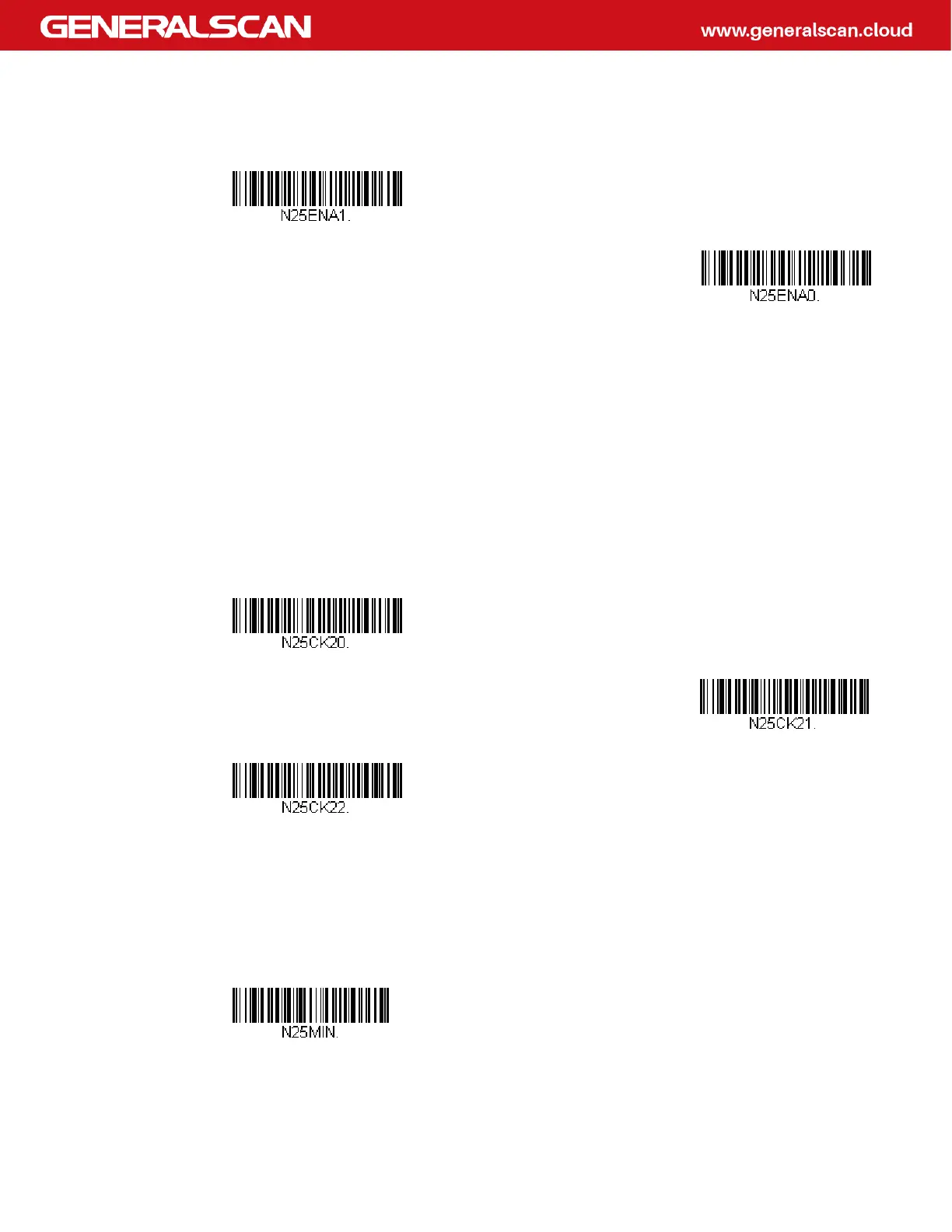
NEC 2 of 5 On/Off
Check Digit
No Check Digit indicates that the scanner reads and transmits bar code data with
or without a check digit.
When Check Digit is set to Validate, but Don’t Transmit, the unit only reads NEC 2
of 5 bar codes printed with a check digit, but will not transmit the check digit with
the scanned data.
When Check Digit is set to Validate and Transmit, the scanner only reads NEC 2 of
5 bar codes printed with a check digit, and will transmit this digit at the end of the
scanned data. Default = No Check Digit.
NEC 2 of 5 Message Length
Scan the bar codes below to change the message length. Refer to Message Length
Description for additional information. Minimum and Maximum lengths = 2-80.
Minimum Default = 4, Maximum Default = 80.
* On
Off
* No Check Digit
Validate, but Don’t Transmit
Validate and Transmit
Minimum Message Length



 To Next Page