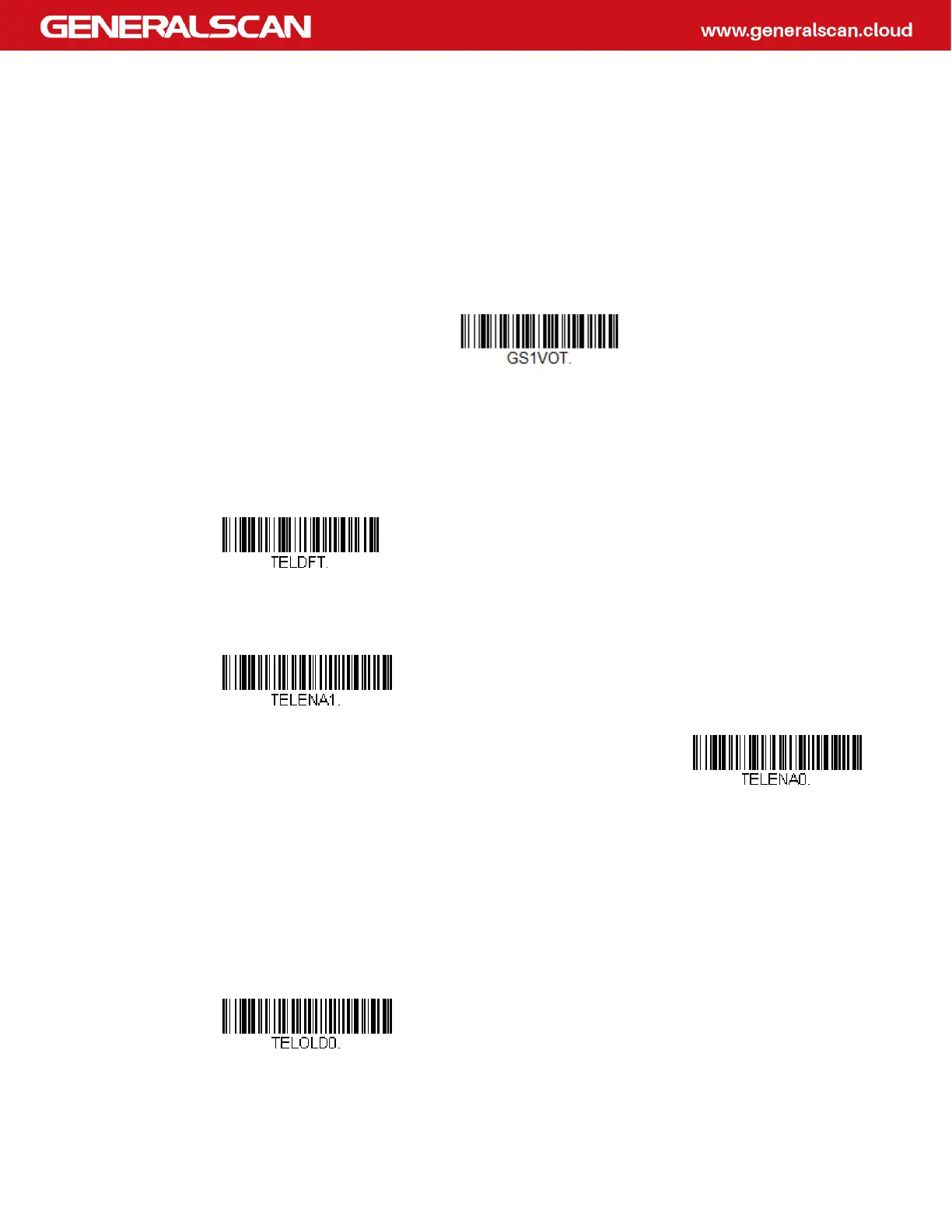
GS1-128 Redundancy
If you are encountering errors when reading GS1-128 bar codes, you may want to
adjust the redundancy count. Redundancy adjusts the number of times a bar code
is decoded before transmission, which may reduce the number of errors. Note that
the higher the redundancy count, the longer it will take to decode the bar code. To
adjust the redundancy, scan the GS1-128 Redundancy bar code below, then scan a
redundancy count between 0 and 10 on the Programming Chart. Then scan the
Save bar code. Default = 0.
Telepen
<Default All Telepen Settings>
Telepen On/Off
Telepen Output
Using AIM Telepen Output, the scanner reads symbols with start/stop pattern 1
and decodes them as standard full ASCII (start/stop pattern 1). When Original
Telepen Output is selected, the scanner reads symbols with start/stop pattern 1
and decodes them as compressed numeric with optional full ASCII (start/stop pat-
tern 2). Default = AIM Telepen Output.
GS1-128 Redundancy
On
* Off
* AIM Telepen Output



 To Next Page