UPC-E0 Addenda
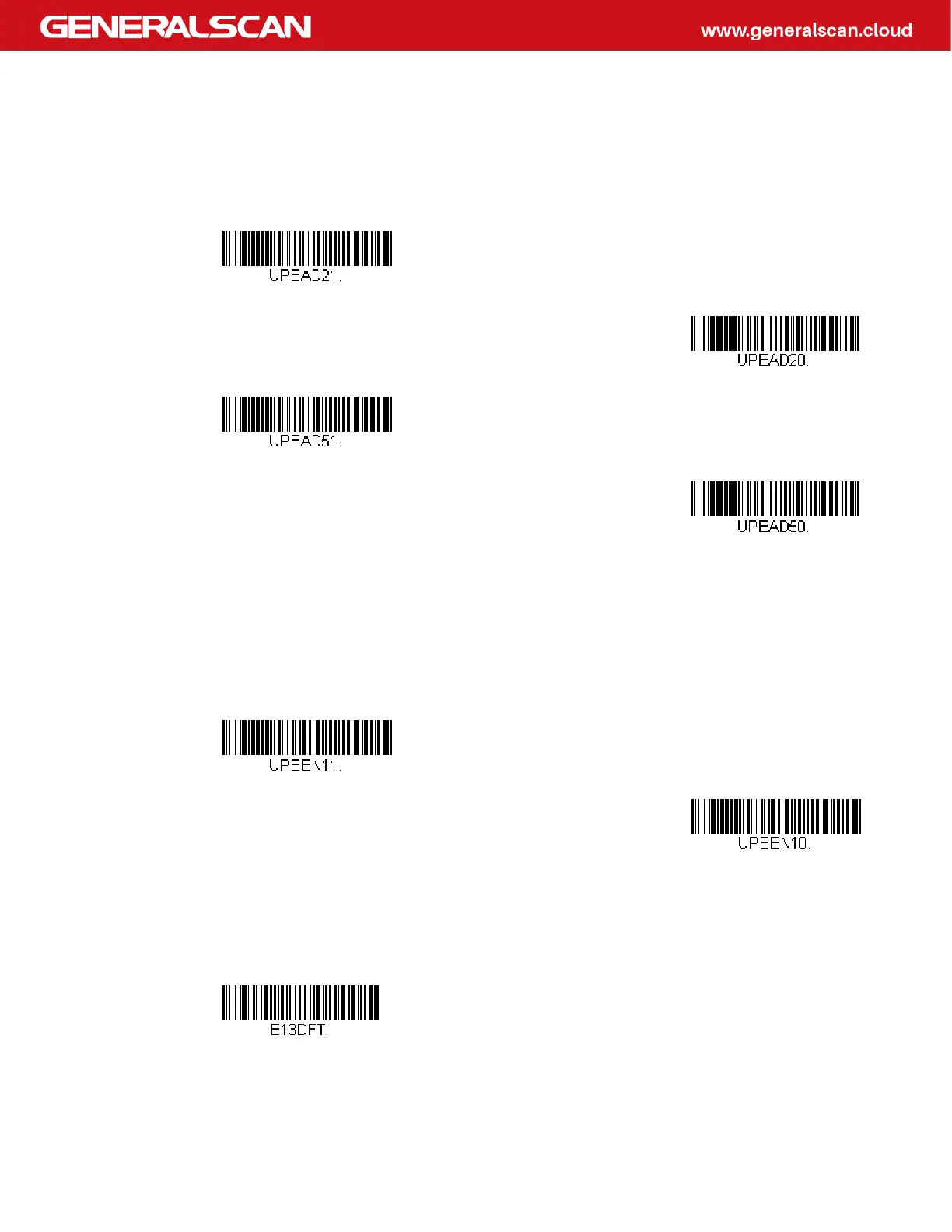
This selection adds 2 or 5 digits to the end of all scanned UPC-E data. Default = Off
for both 2 Digit and 5 Digit Addenda.
UPC-E1
Most U.P.C. bar codes lead with the 0 number system. For these codes, use UPC-
E0. If you need to read codes that lead with the 1 number system, use the UPC-E1
On selection. Default = Off.
EAN/JAN-13
<Default All EAN/JAN Settings>
2 Digit Addenda On
* 2 Digit Addenda Off
5 Digit Addenda On
* 5 Digit Addenda Off
UPC-E1 On
* UPC-E1 Off



 To Next Page