6
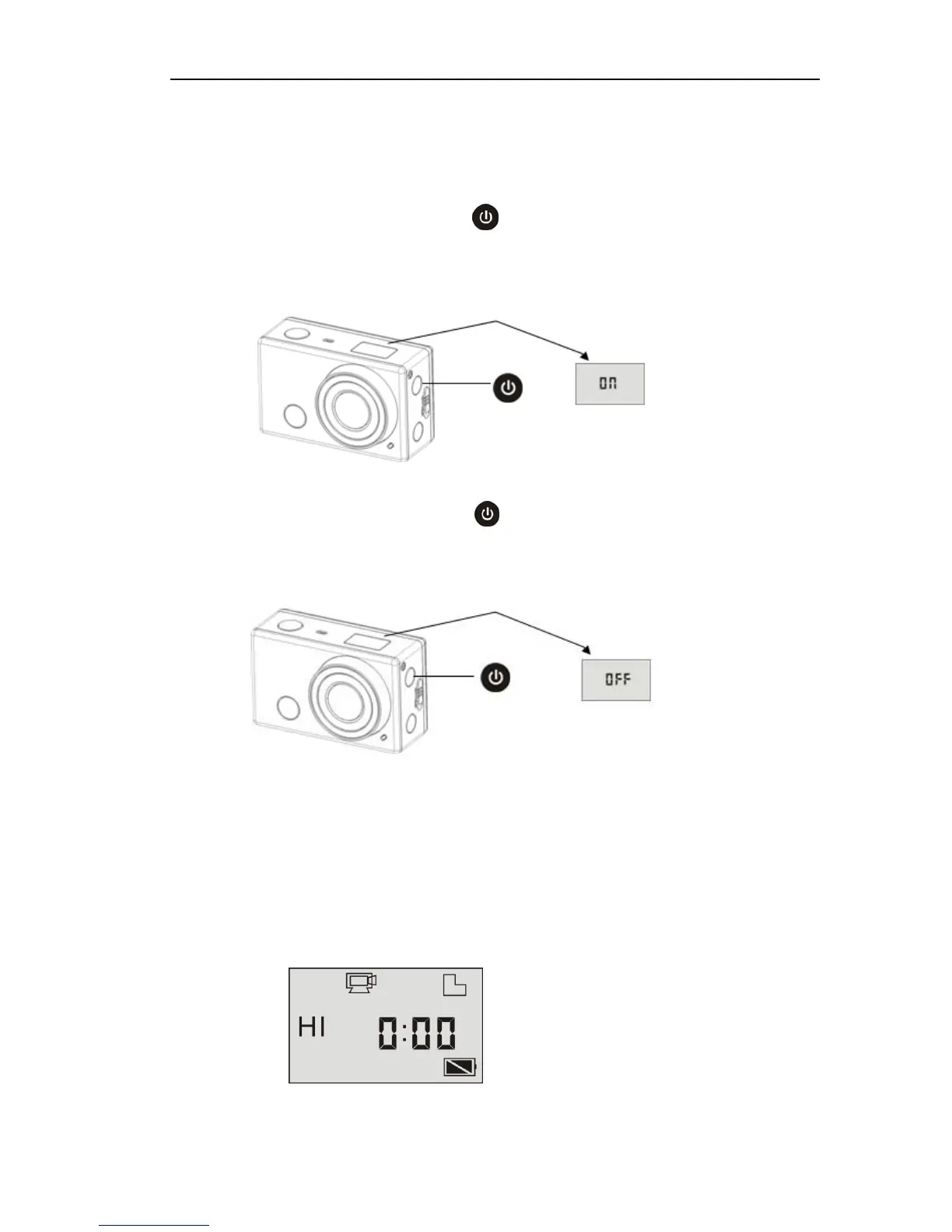
Turn on/off
1. Turn on: press and hold the button for about 3 seconds, LCD
displays “ON” and a beep can be heard from buzzer.
2. Turn off: press and hold the button for about 3 seconds, LCD
displays “OFF” and a beep can be heard from buzzer.
Note: The DV will turn off automatically if it is idle for 5 minutes.
Start to Use
Default setting: After turn on the DV, the default setting is as below:


 To Next Page