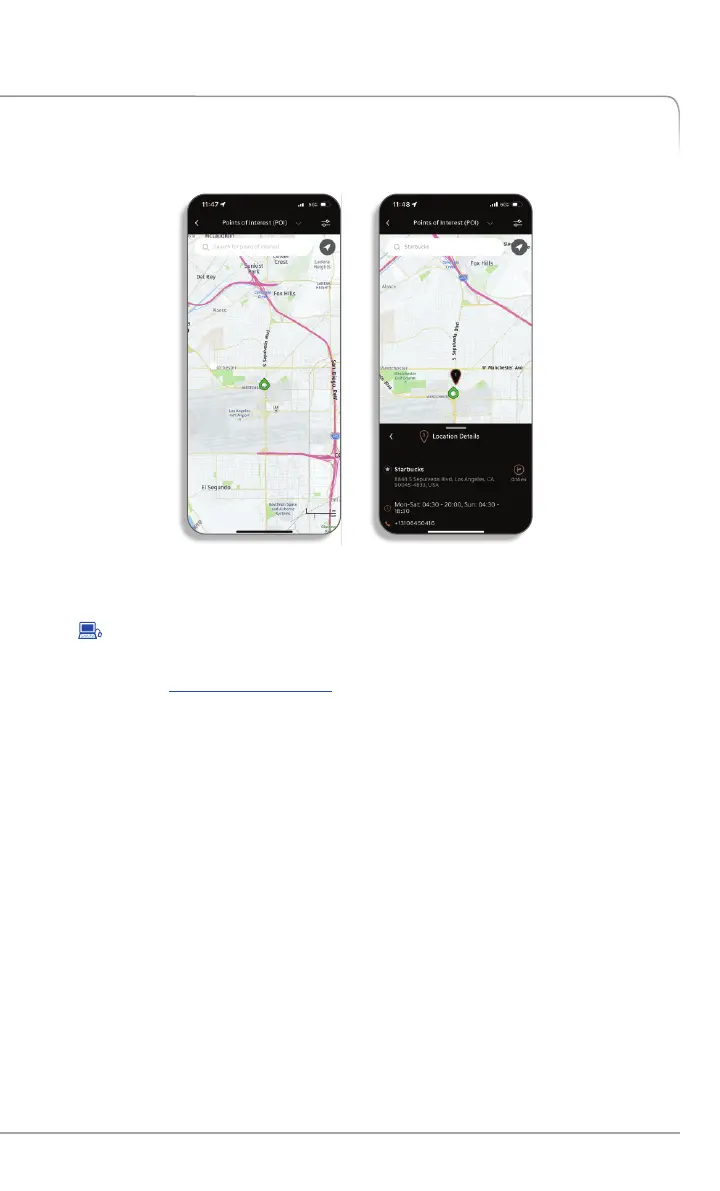
Car Finder
The mobile app feature enables you to find your vehicle on a map and
gives you the ability to save your vehicle’s location for future reference.
To Activate Car Finder via Mobile App
• In the 'Remote Commands' section of the home screen select 'Find
Vehicle'.
• To Search
• Enter your Genesis Connected Services PIN or authenticate via
your smartphone s biometric capabilities, if setup.'
•
The command will be sent to your vehicle and the vehicle location
will be shown on the map.
•
To use this feature, you must have a Genesis Connected Services
Personal Identification Number (PIN). To create or change your PIN, log
on to See page of this manual for moreowners.genesis.com. 8
information.
FEATURES ACCESSIBLE VIA THE GENESIS MOBILE APP
GENESIS CONNECTED SERVICES FEATURE DESCRIPTIONS
Other Features
25
Genesis Connected Services User’s Manual I


 To Next Page
 Loading...