English
Notes:
1. If you want to use the car recorder outside of the car, just detach it from the suction bracket, and hold it
with two hands aiming at the target when recording or taking photos.
2. Do not remove the MicroSD card when using the car recorder (the files will be lost).
MENU
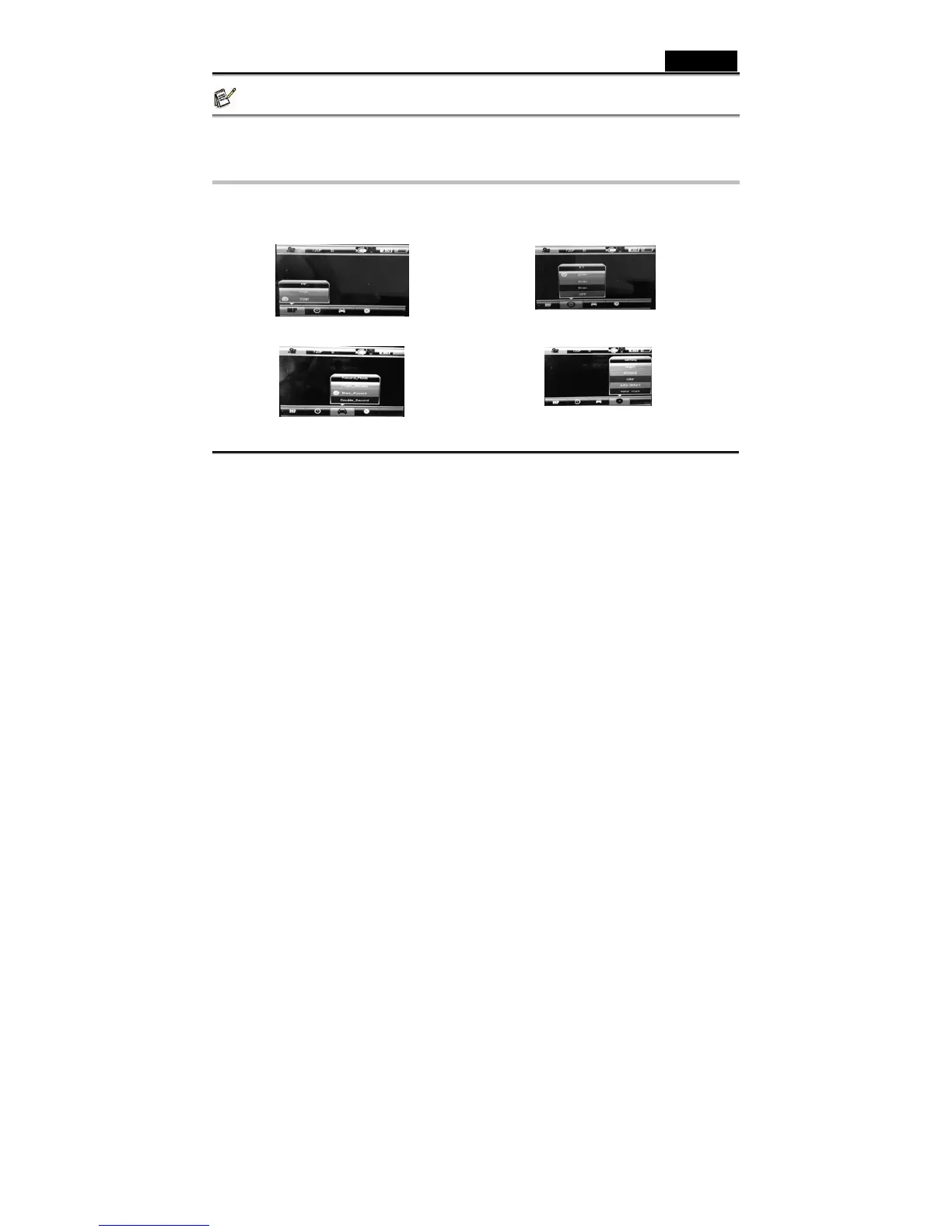
1. Press MENU button to switch to setup mode.
2. Push OK button, then LEFT/RIGHT/UP/DOWN buttons for different function settings, then press OK to
confirm it. In Setup mode, you can choose Resolution, Recording Time, Recording Mode, and System
Setting for further function settings.
Mega Pixel: Choose Resolution Recording Time: Choose Recording Interval Time
Recording Mode: Choose Camera for Recording Setting: for System setting
-8-



 To Next Page