EasyManua.ls Logo

Genius DVR-GPS300D - User Manual

Genius DVR-GPS300D
35 pages
Print Icon
To Next Page IconTo Next Page
Loading...
!
1!
!
!
!
!
!
!
!
!
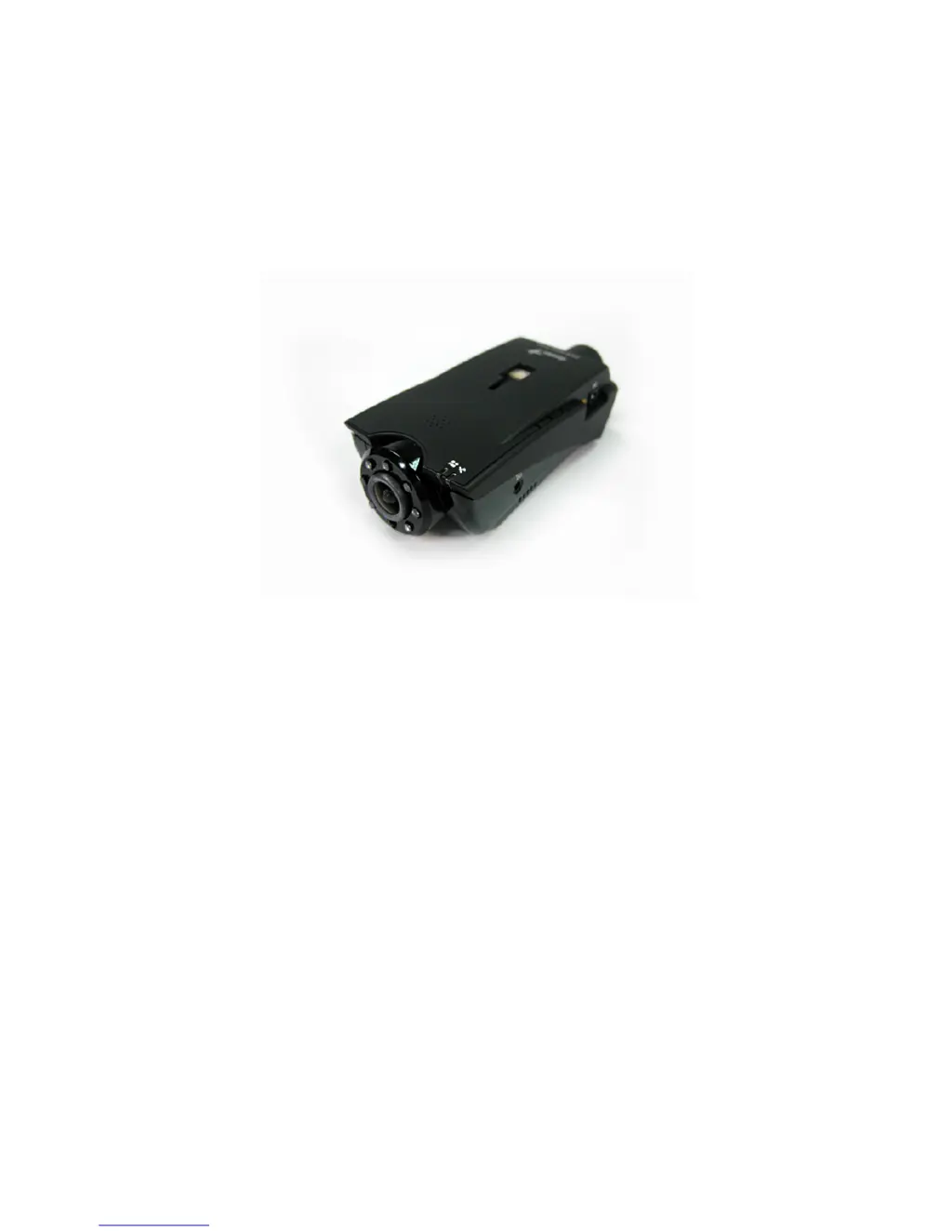
Driving Recorder
Continuous Loop Recording Model:
DVR-GPS300D
User Manual Version: 1.0
!
!
!
!
!
!
!

Questions and Answers

  • B
    Bobby LeeAug 9, 2025
    What to do if Genius Dash Cameras video picture is blurred?
    • T
      Timothy GlassAug 9, 2025
      If the video picture from your Genius Dash Camera is blurred, first ensure that the lens is clean. If necessary, gently clean the lens with a non-woven cloth. If the blurring persists after cleaning, it may indicate a hardware issue requiring repair at the original store.
  • E
    Erica MoralesAug 25, 2025
    What to do if indicator lights are not on after starting the car for Genius DVR-GPS300D?
    • B
      bradley69Aug 25, 2025
      If the indicator lights on your Genius Dash Camera are not illuminating after you start your car, unplug the recorder and wait for the lights to turn off. Then, plug the power cable back into the cigarette lighter and restart the device. If the issue persists, it indicates a system malfunction, and the product should be returned to the store for repair.

Genius DVR-GPS300D Specifications

General IconGeneral
Video Resolution1920x1080
Lens Angle120 degrees
GPSYes
G-SensorYes
Loop RecordingYes
Night VisionYes
StorageMicroSD card up to 32GB
BatteryBuilt-in rechargeable battery

Related product manuals