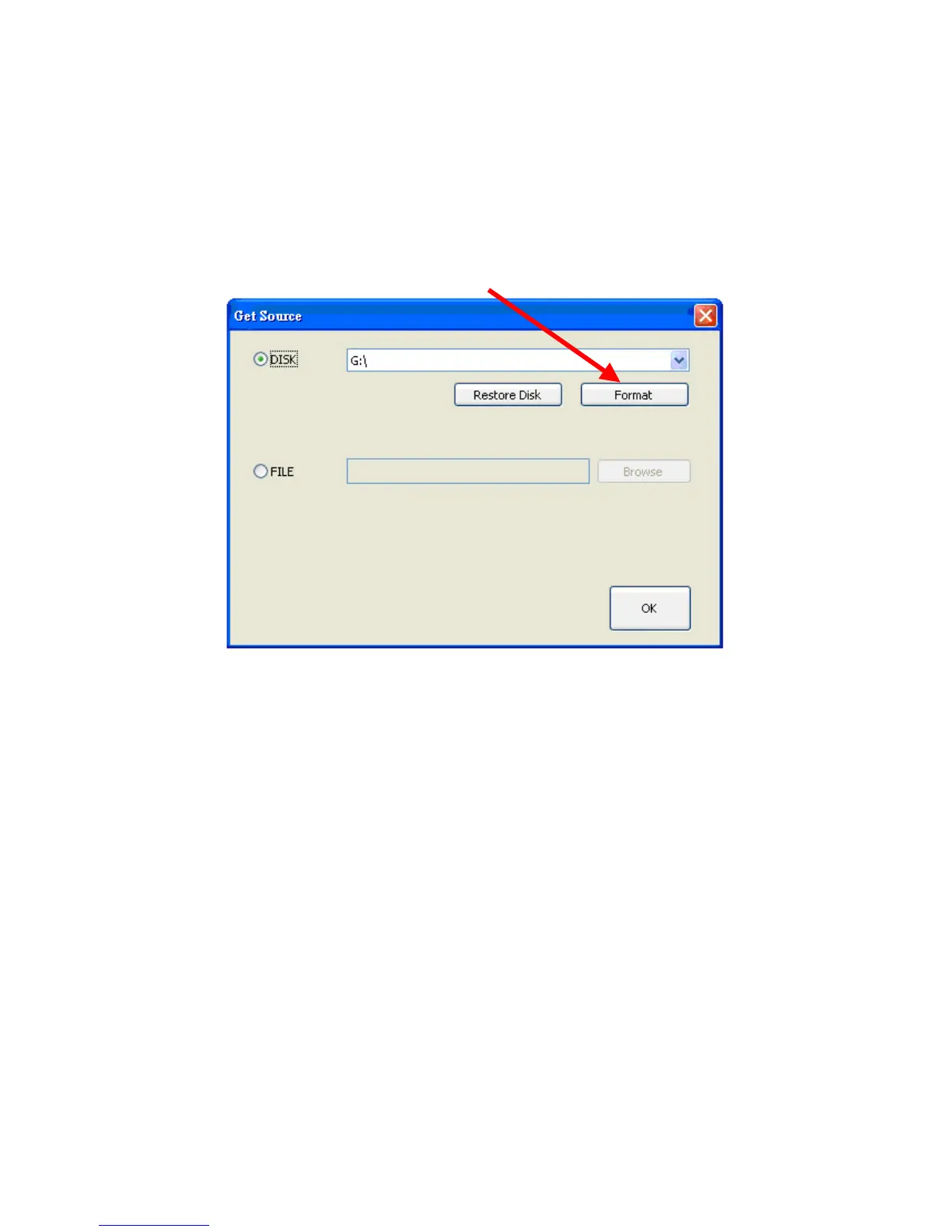
6.04. Format MicroPD
If you want to use a new MicroPD for recording files, you must plug it in to your
computer and press the button to format it before you insert it to your DVR.
Note: For security issues, you must use this button to format the MicroPD.
If you have a new MicroPD and want to use it with your DVR, you must format
it by following these steps:
1. Connect MicroPD to your computer.
2. Click “Format” button.



 To Next Page