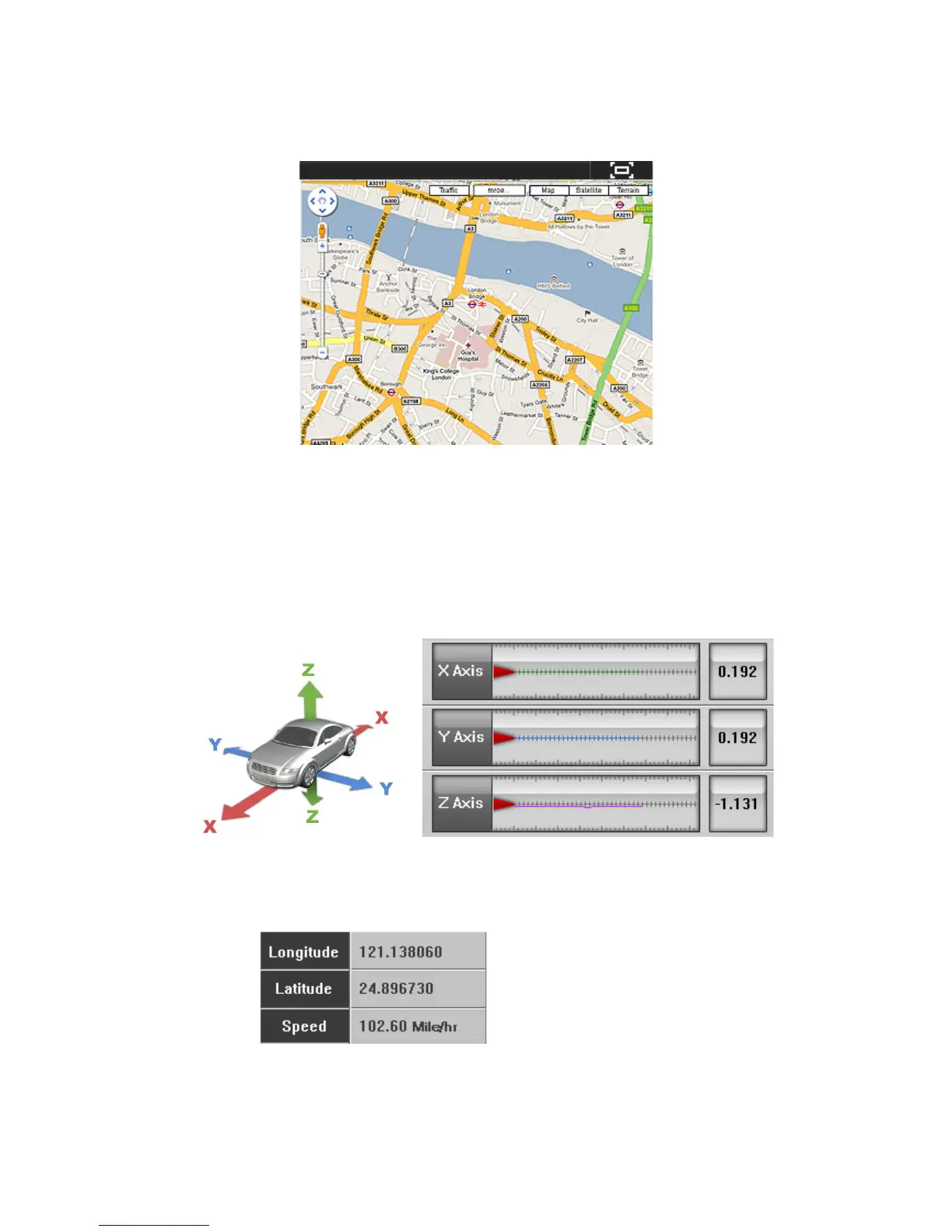
frame will show the location information on the map.
2. Click the icon on the top-right corner for full screen function.
6.10. G Sensor
1. The G Sensor will show the value of acceleration of X, Y, and Z axis when
you select this section of the video file.
2. The information is to review the direction if there is a car accident.
6.11. Speed / Location / Direction
1. Shows the speed, longitude, and latitude information.
2. Click “Mile/hr” or Km/h.



 To Next Page