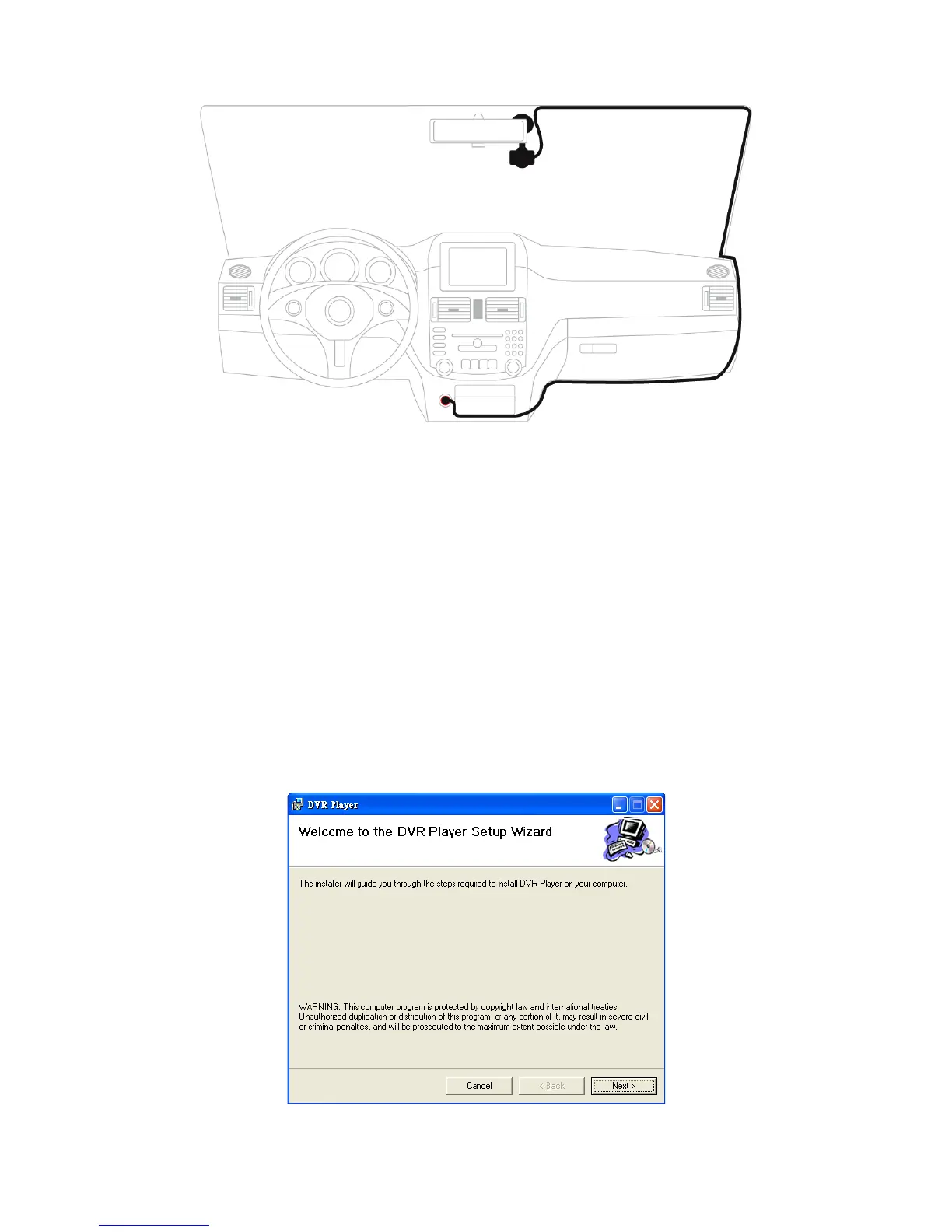
Note: For the best recording, we suggest attaching the DVR as close to the
rearview mirror as possible.
Do not replace or remove the flash drive when the device is operating.
6. Application
6.01. Setup
1. When you insert the CD-ROM in your computer, the system will
automatically run the setup of application. Or, you can double click
“Setup.exe” in the CD-ROM to run the application.
2. Click “Next” to go to next step.



 To Next Page