English
-14-
Enable Video Chat
With the Enable Video Chat feature, you can decrease the loading of your
system by stopping sending the video data to your IM partner.
This icon indicates that the video chat feature is enabled.
This icon indicates that the video chat feature is disabled.
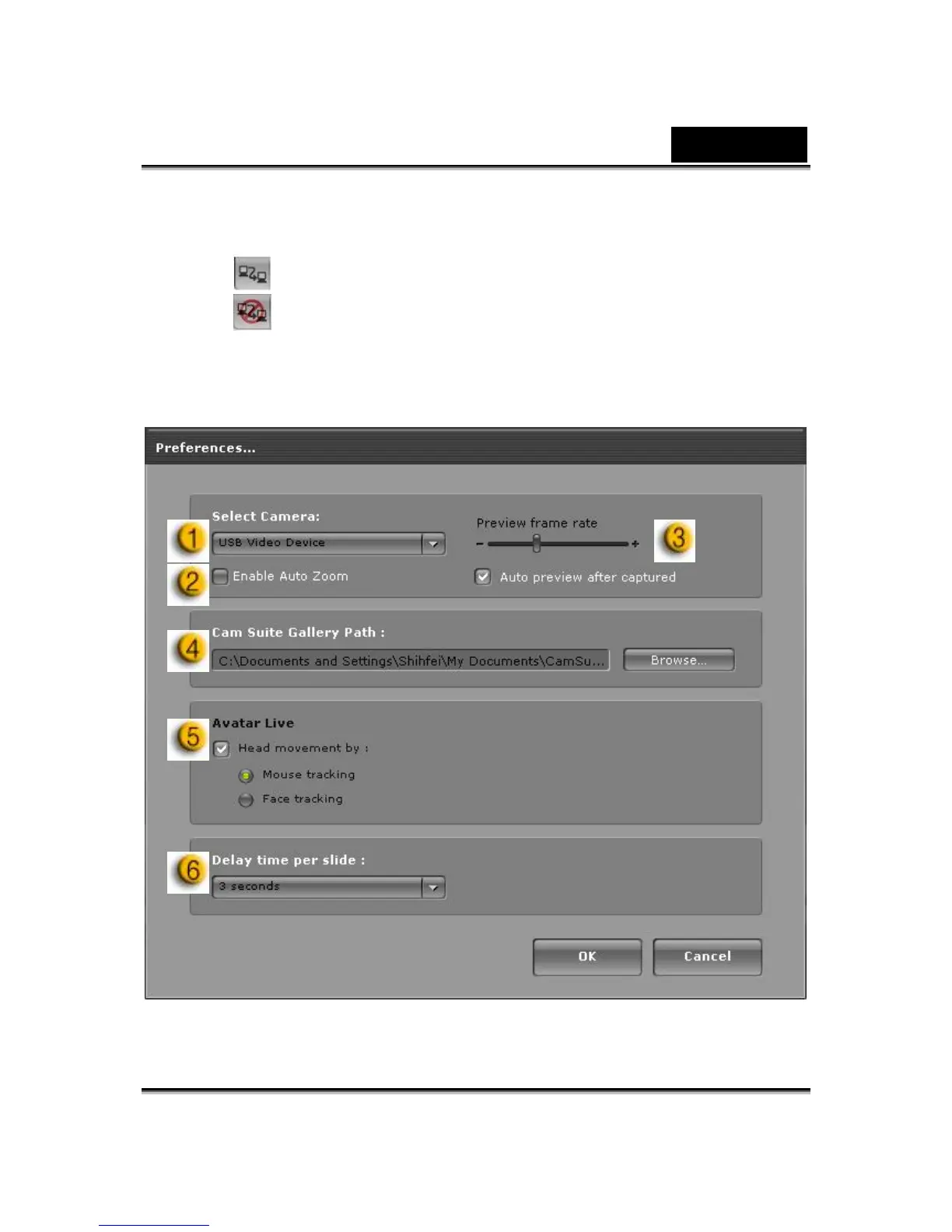
Preference
Click the Preferences button to show the Preference window. You can
change the general settings in this dialog box.















 To Next Page