English
-62-
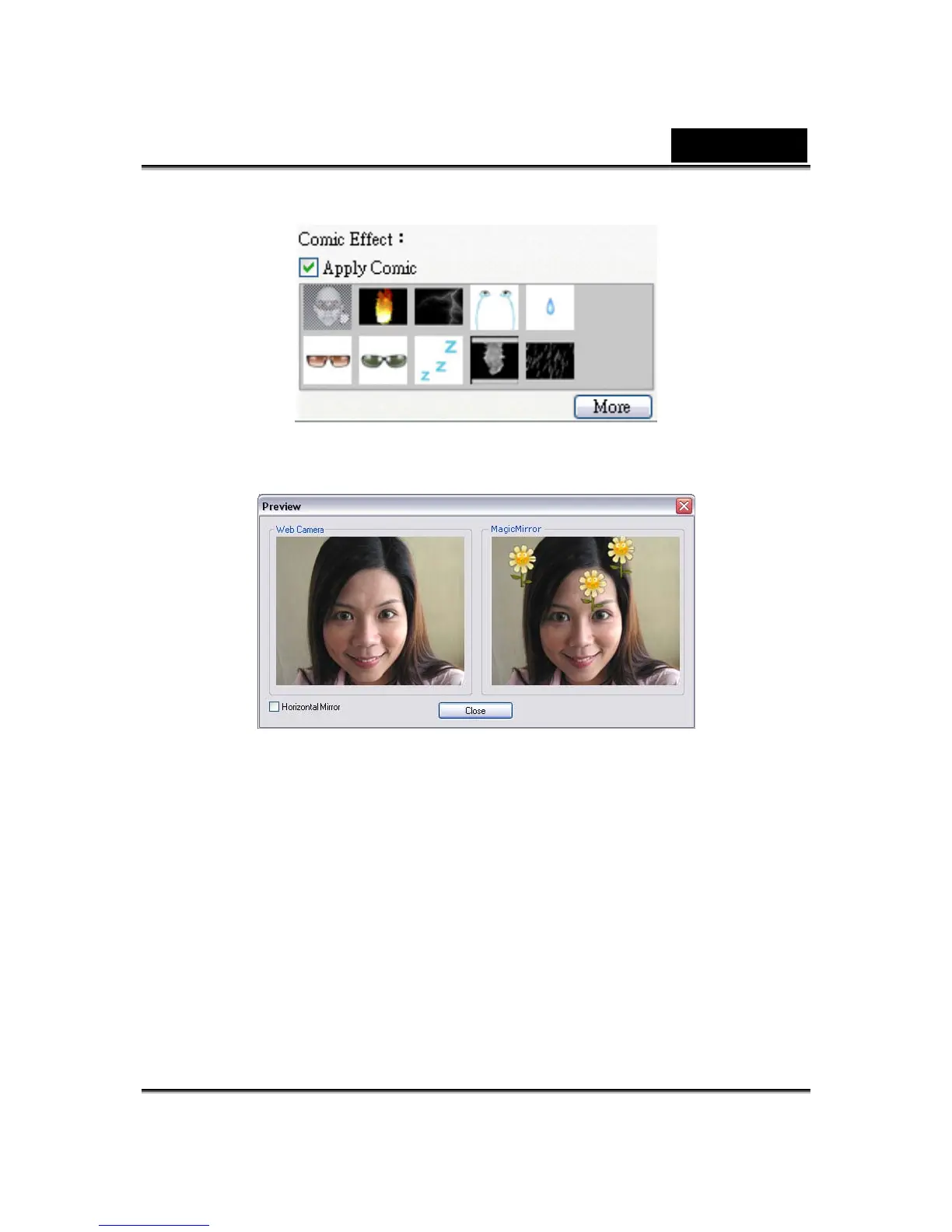
• Click on the Preview button to invoke the preview window.
• The left pane, Web Camera, shows the original look of your face.
• The right pane, MagicMirror, shows the face with the comic effect
applied.
• The MagicMirror pane is able to show Expression and Comic effect
simultaneously.
• Check the Horizontal Mirror to flip the images in the two panes
horizontally. You can then interact with Cam Suite much more like a
mirror.














 To Next Page