English
-22-
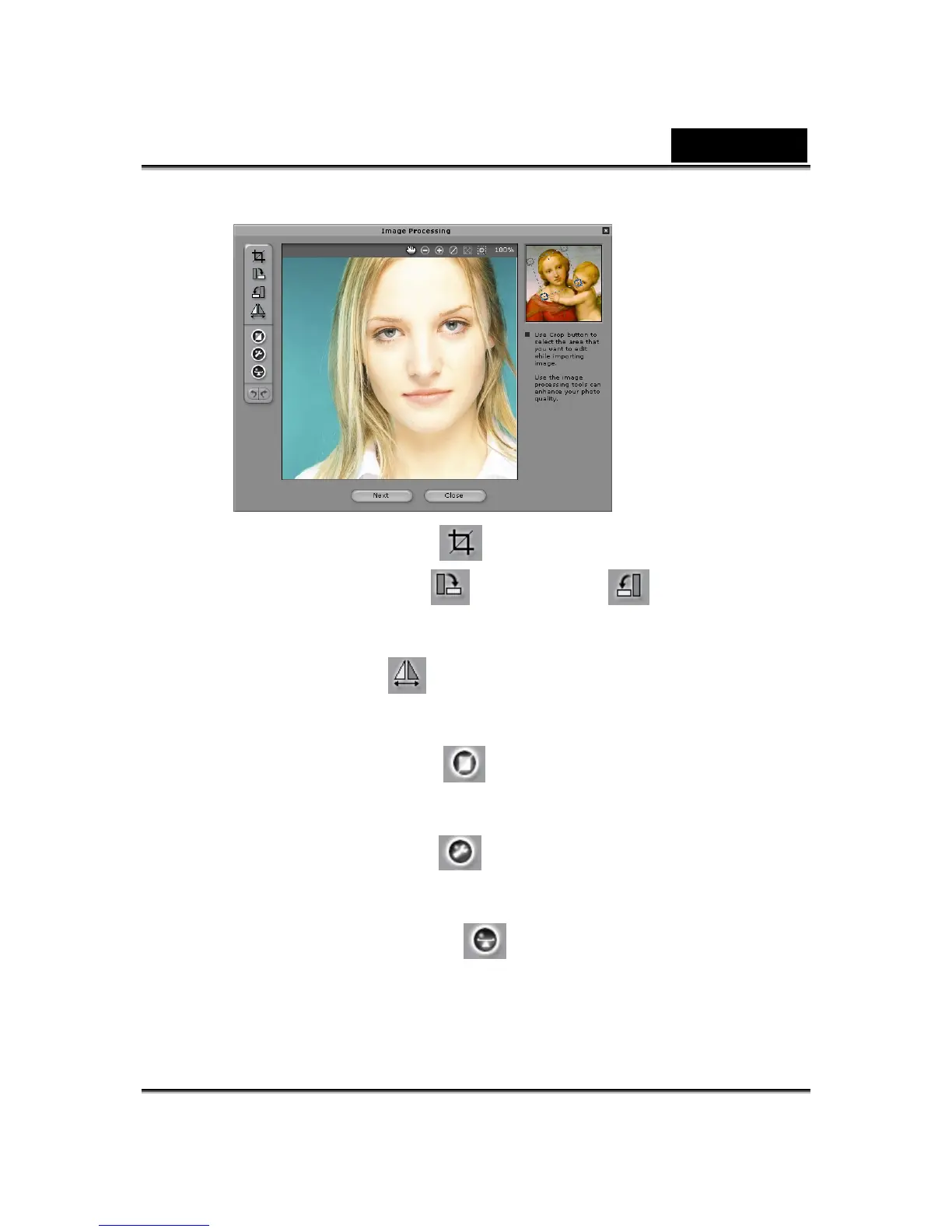
Crop Image : Select the required image area.
Rotate CW /Rotate CCW : Rotate the
image by 90 degrees clockwise or counterclockwise.
Mirror : Flip the image horizontally as a mirrored
reflection.
Smart Level : Adjust the color levels of the
image automatically.
Color Level : Adjust the brightness, contrast,
hue, and saturation levels of the image manually.
Color Balance : Adjust the color balance
manually.















 To Next Page