English
-38-
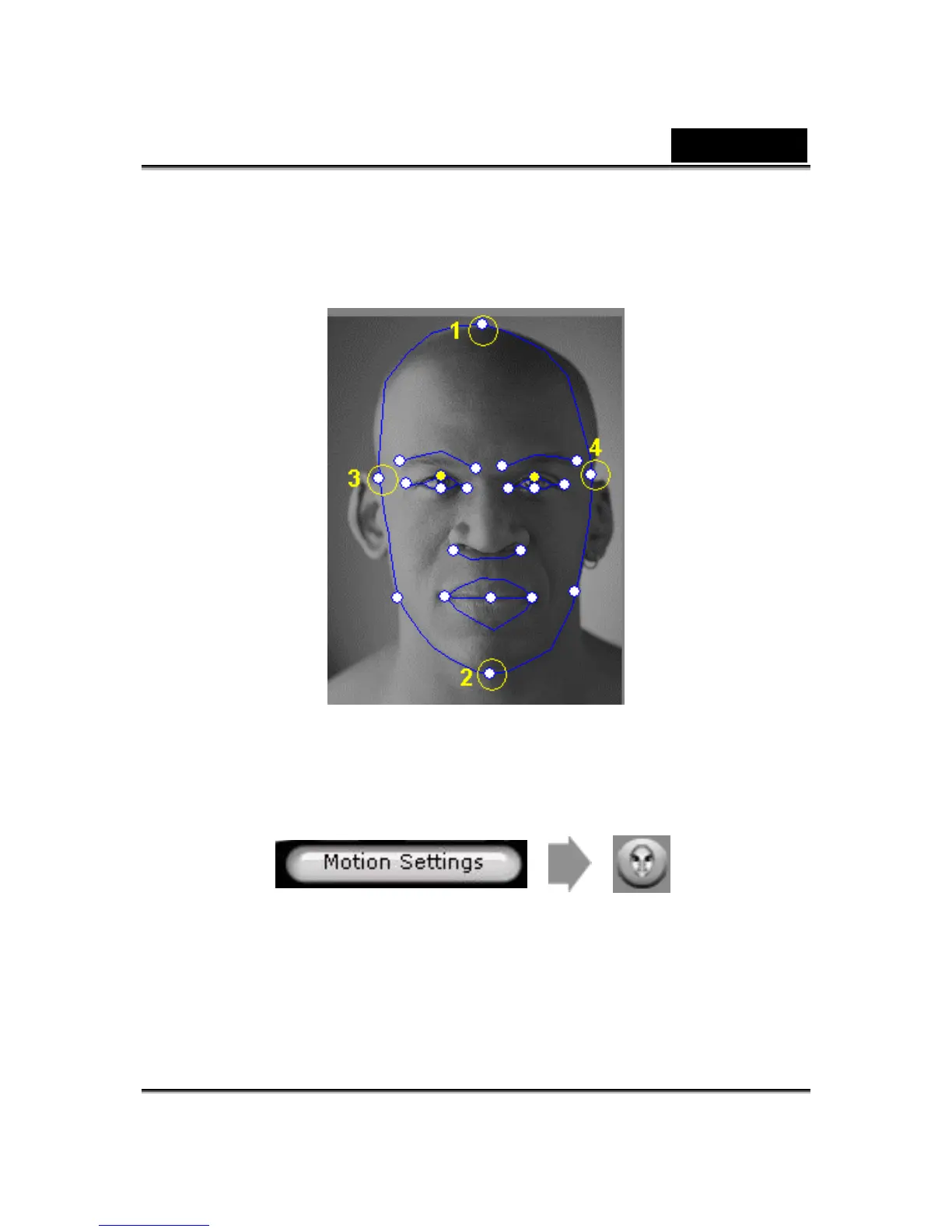
a. The control point 1, 2, 3 and 4 are the key to control the facial mesh
morphing. 1, 2 control the vertical movement strength and 3, 4 controls
the horizontal movement strength.
b. Press Motion Settings on model page and check the Head Motion
Preview to preview the movement. If not perfect, you can close the
dialog and try to change the location of control point 1-4.
• How can I make the chin movie more naturally while
talking?
a.
Drag the chin control point out of the face.















 To Next Page