English
-49-
Selecting an Emotion
You can add emotive animations to your avatar so that you can convey any
expression you want during a messenger video conference. With the
advanced facial morphing technique, you can control your avatar's lips and
expressions to show a wide range of emotions such as happy, sad, and
angry, as well as facial movement such as winking, blinking, opening and
closing of the mouth, and nose or cheek movement. Moreover, all the
emotions are accompanied with sound effects to enhance the expressions.
Use one of the following steps to select the emotion
applied to your avatar:
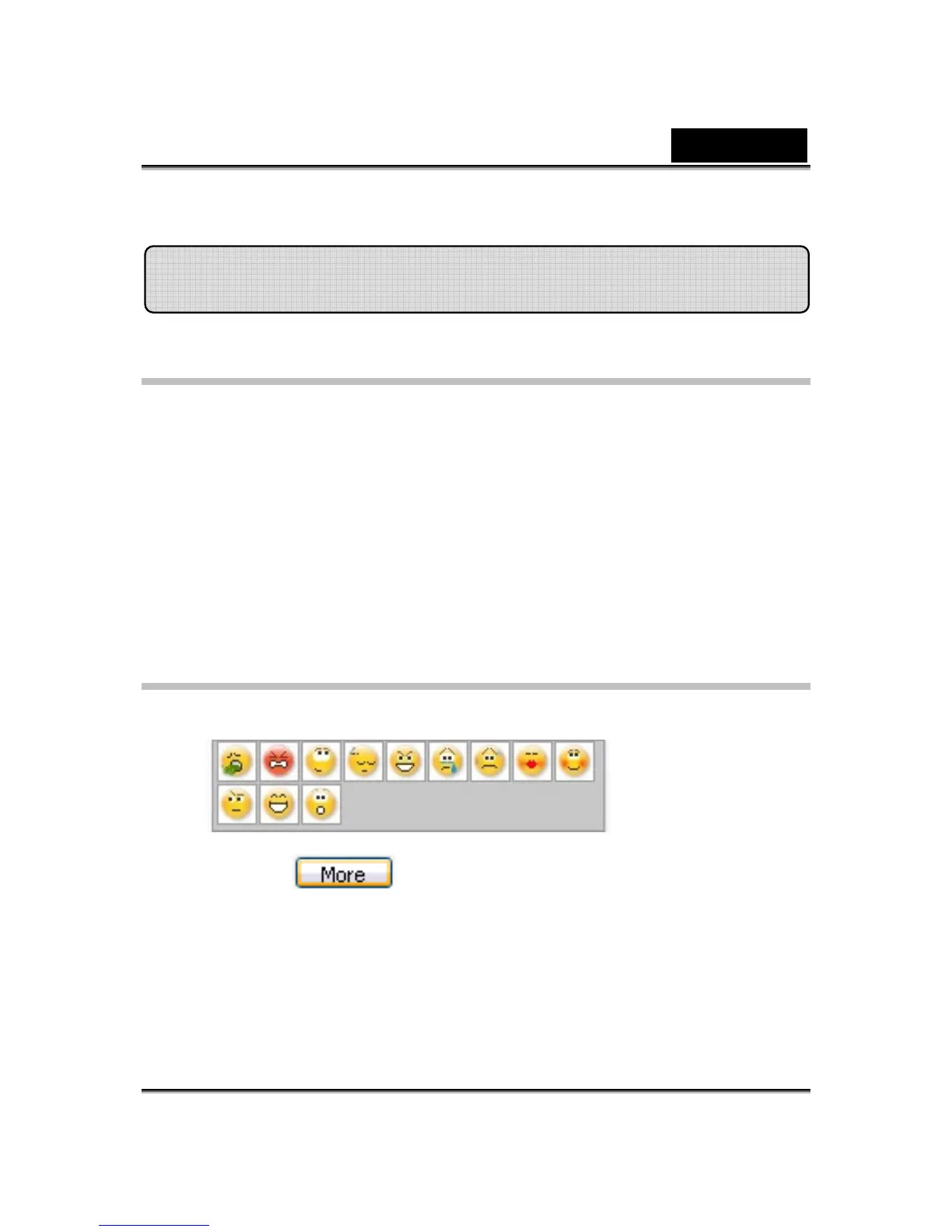
• Select an emotion and your avatar will show the emotion instantly.
• You can click to get more emotions.
Avatar















 To Next Page