English
-16-
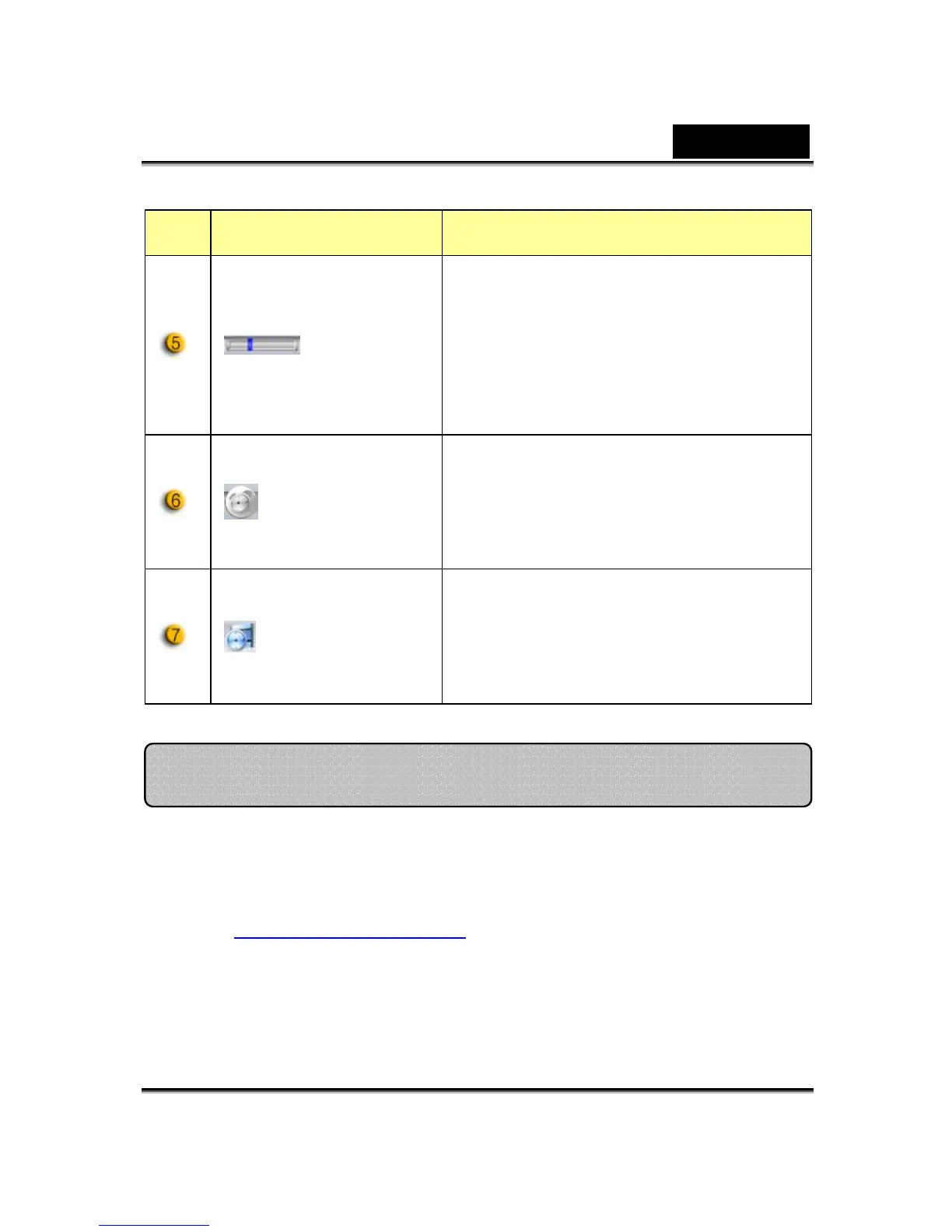
Item Mode Description
Sensitive
adjustable
Set up the degree of variance for every
second of recording video. When the
differences are over the setup degree,
the system will alert you.
Warning
sound
selection
Set up the different alerting sound
effects.
Recording
time
display
Displays monitor recording time.
“00:00:00” mean hours, minutes,
seconds.
MSN Messenger
a. For live video function, you’ll need MSN Messenger version 6 or
later. If you don’t have it, please refer to the website:
http://messenger.msn.com
to download.
b. Sign onto MSN Messenger service.
c. Choose a friend on the contact list and Click “OK” to confirm.
d. Double-click on your friends, who are available to chat. Click on
Using MSN Messenger, Yahoo Messenger, AOL















 To Next Page