English
-30-
Type in the text. Click the Voice Mode drop-down list box
to select the voice type for your model. Adjust the voice
quality to achieve a real-life effect using the Volume,
Pitch, and Speed sliders. Click
button to Preview
the result.
NOTE
Download the text-to-speech converter from Microsoft, or browse
Reallusion's website for more information.
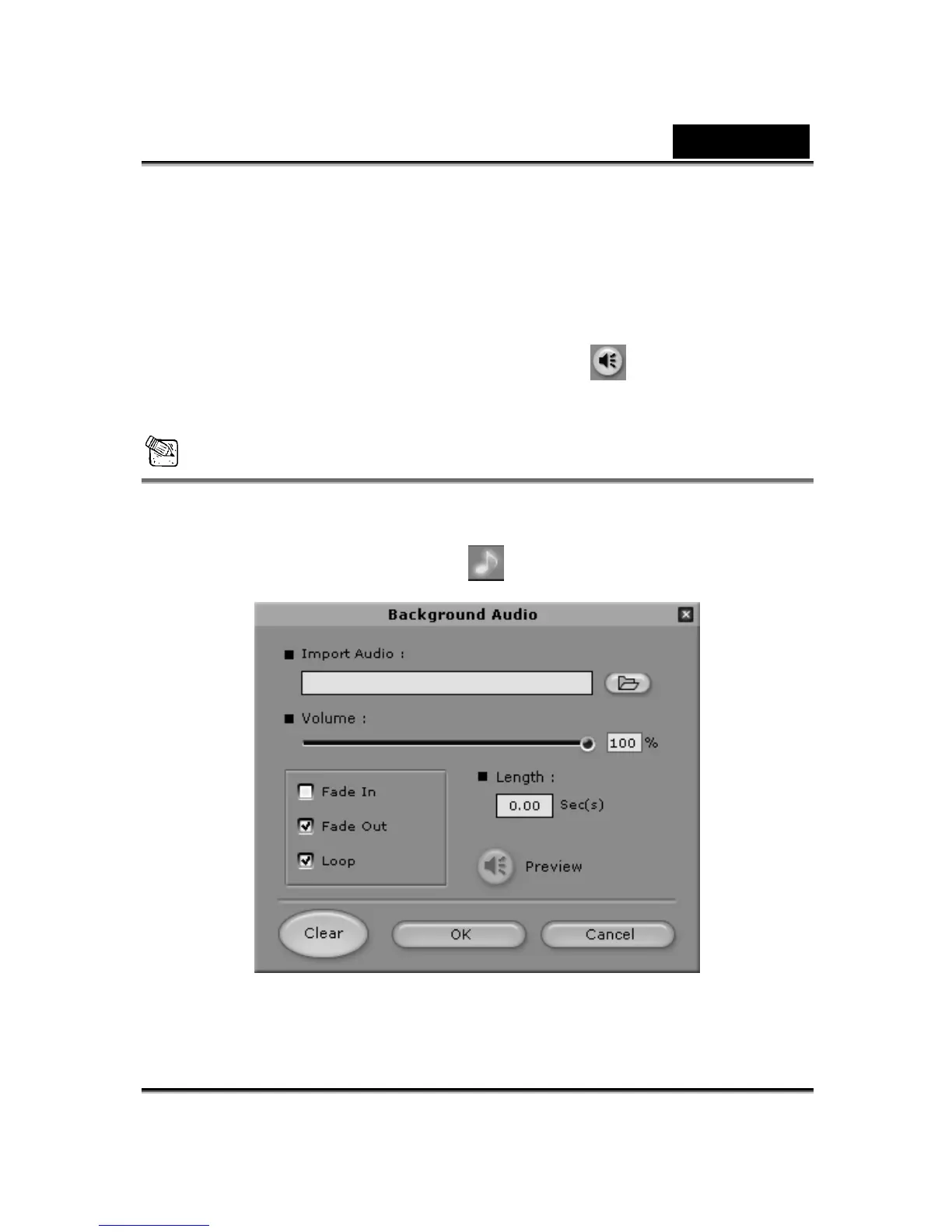
2. Click Background Audio
for inserting background music.















 To Next Page