English
-48-
o
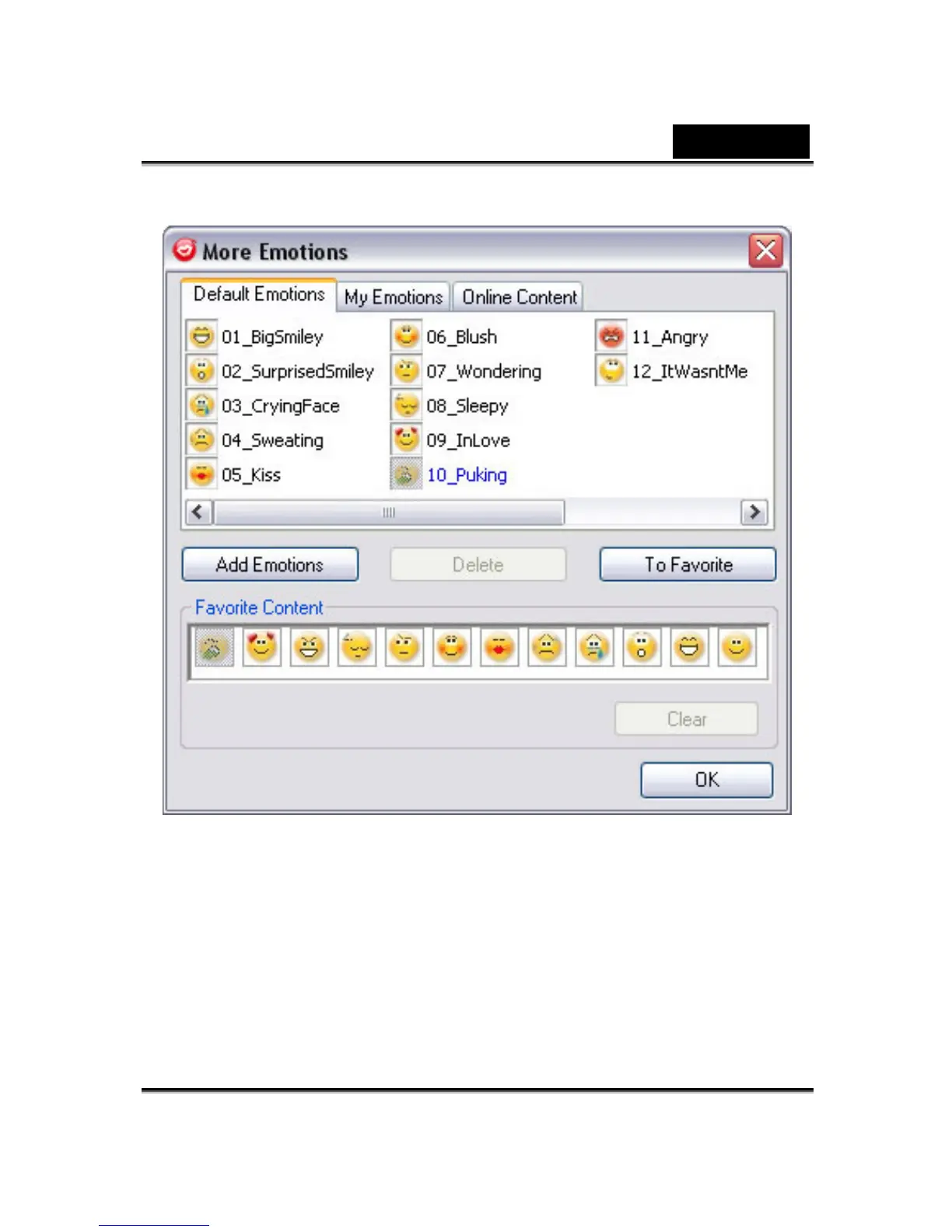
In the dialog, you can see Default Emotions, My Emotions and
Online Content. In Default Emotions, you can see the default
emotion content provided by CrazyTalk Cam Suite. Click My
Emotions and you can see the content which you have
purchased from the Reallusion website or create by CrazyTalk
Avatar Creator. In Online Content, you can play back and
preview the latest avatars with emotions or link to the content
store site for purchasing more contents.















 To Next Page