11
disable other recording scheme like motion recording.
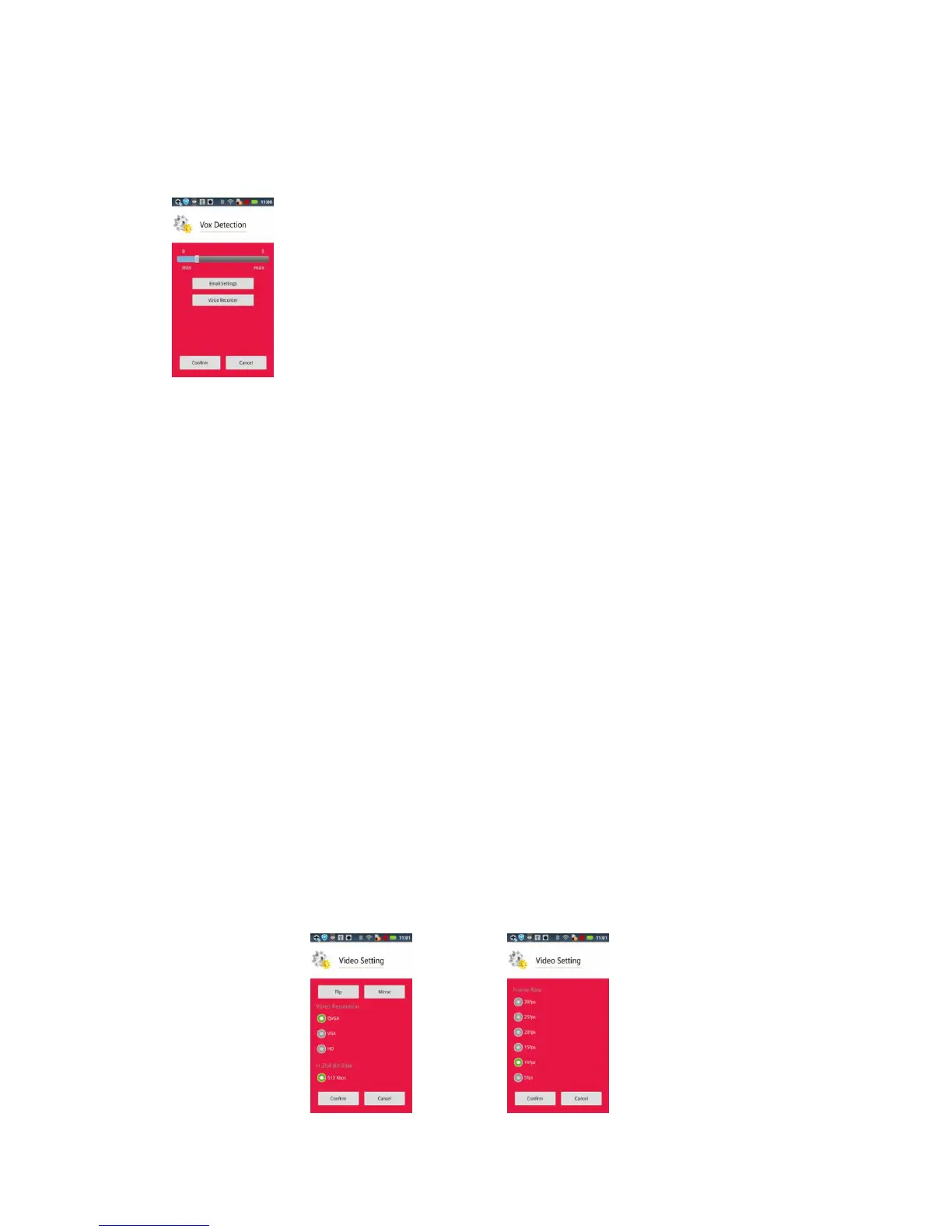
Vox Detection:
Vox detection is the method to detect the volume of sound. When you use the feature, after
volume is reached to trigger level. Camera will playback a recording voice and send out
event.
Vox : 0 Disable Vox detection
1 : The minimum volume trigger level
5: The maximum volume trigger level
Voice Recorder:
You could push this button to record the voice into camera. Reaching trigger level,
camera will playback this recorded voice.
Video Setting:
Flip: Flip the video 。
Mirror: Mirror the video。
Video Resolution:QVGA、VGA、HD。
Video bit rate:
QVGA: 192/256/512Kbps
VGA : 1mbps
HD : 1 / 1.5 / 2 mbps
Video frame rate:
QVGA : 5/10/15/20/25/30 fps
VGA: 1/3/5/6/8/10/12/15 fps
HD : 1/3/5/6/8 fps


 To Next Page
 Loading...