8
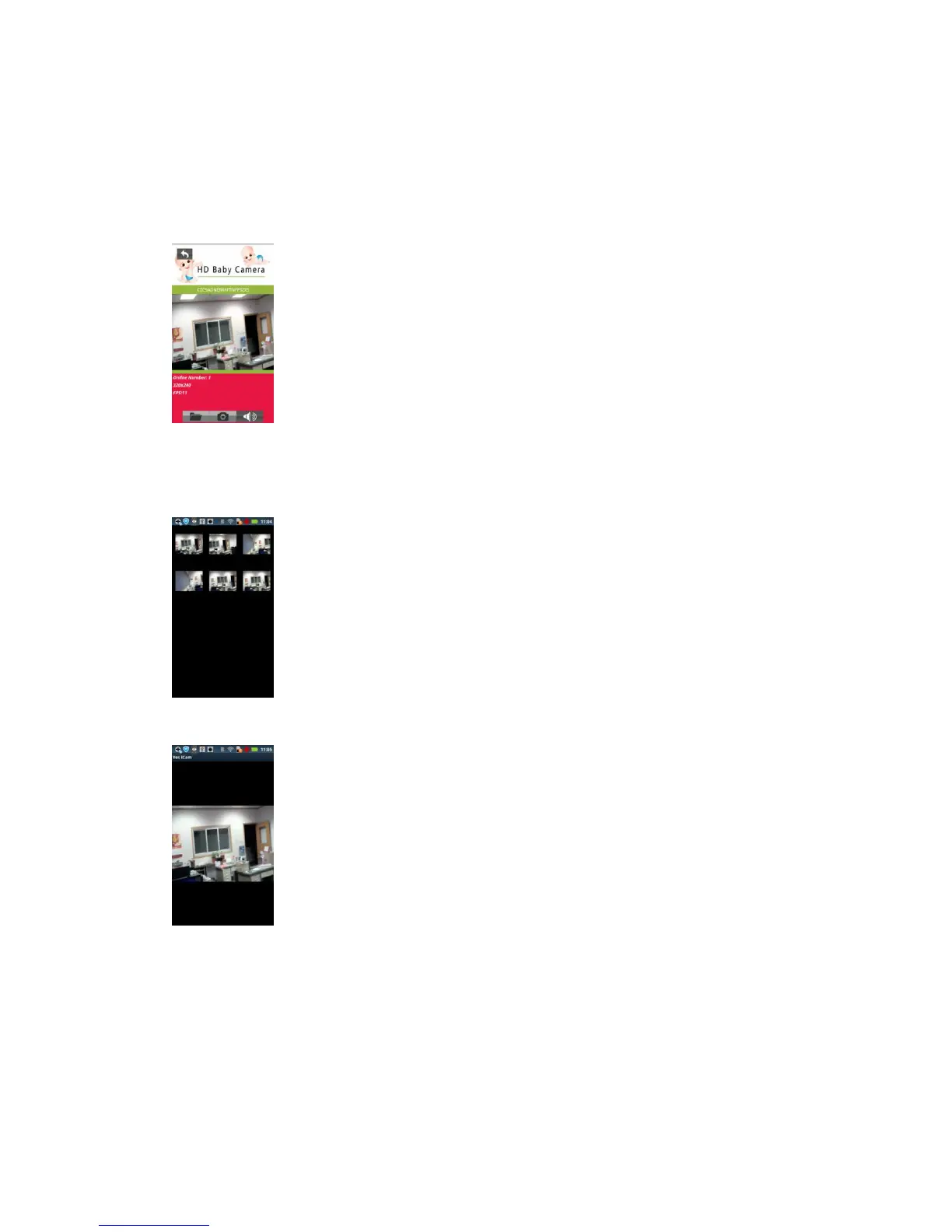
If the camera is on-line right now, you can watch the video and hear the sound by clicking the camera
icon. By disable the speaker, you can talk to the camera now (it requires the camera to have the
capability to support this feature.)
There have three buttons: "folder", "snapshot" and "voice".
Click the "folder" to show the thumbnail list:
Click the thumbnail to display the picture.


 To Next Page