9
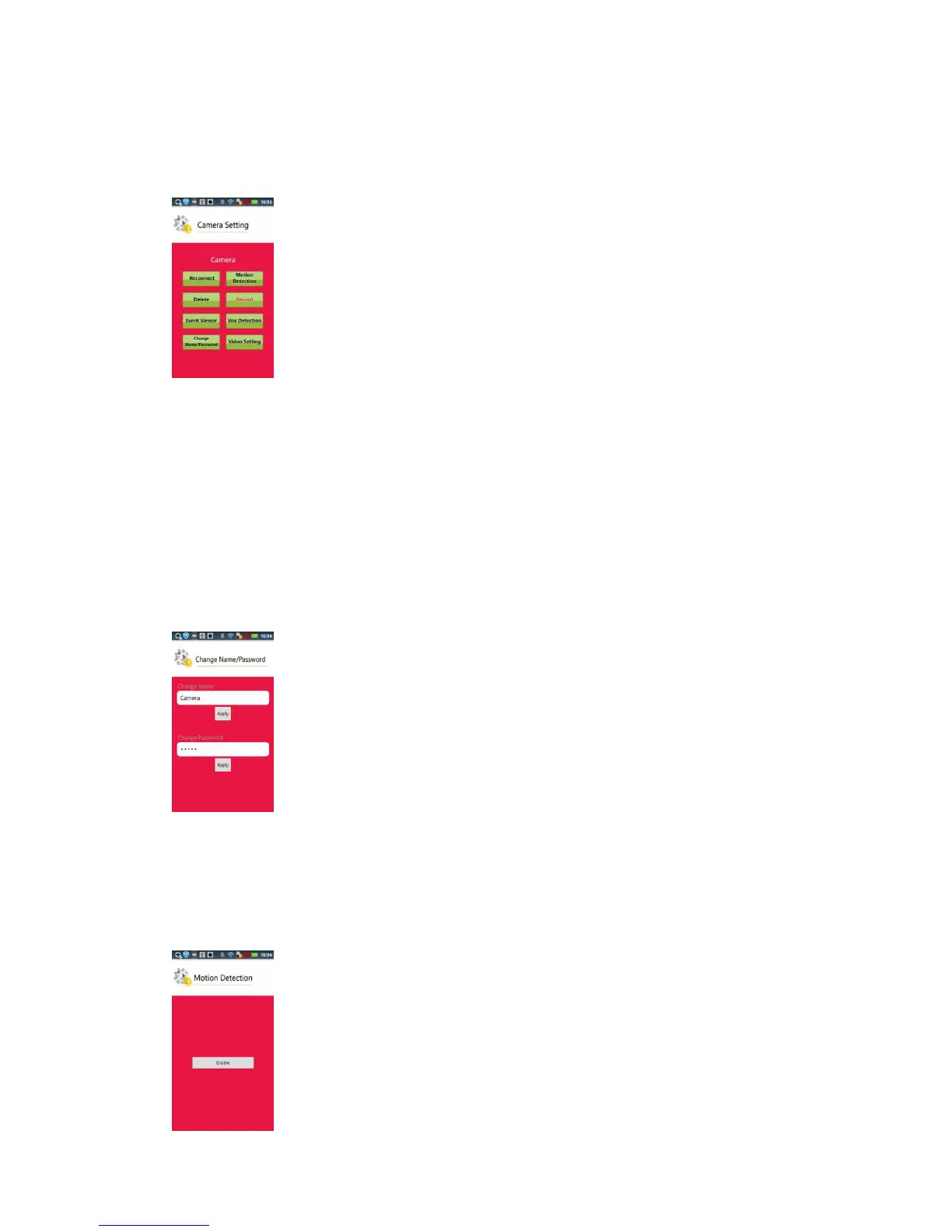
Click on the "down arrow" of right side of the camera list to open the Settings screen:
Note: the right column of setting items are not allowed when connection fails or the camera and the
device is not in the same network.
Reconnect: Reconnect to Camera
Delete: Delete Camera
Event Viewer: Event list.
Change Name/Password: Change camera name and password.
Motion Detection:
Click “Motion Detection”,you could go into video motion detection setup page. Please
enable “motion detection” first.


 To Next Page