English
2
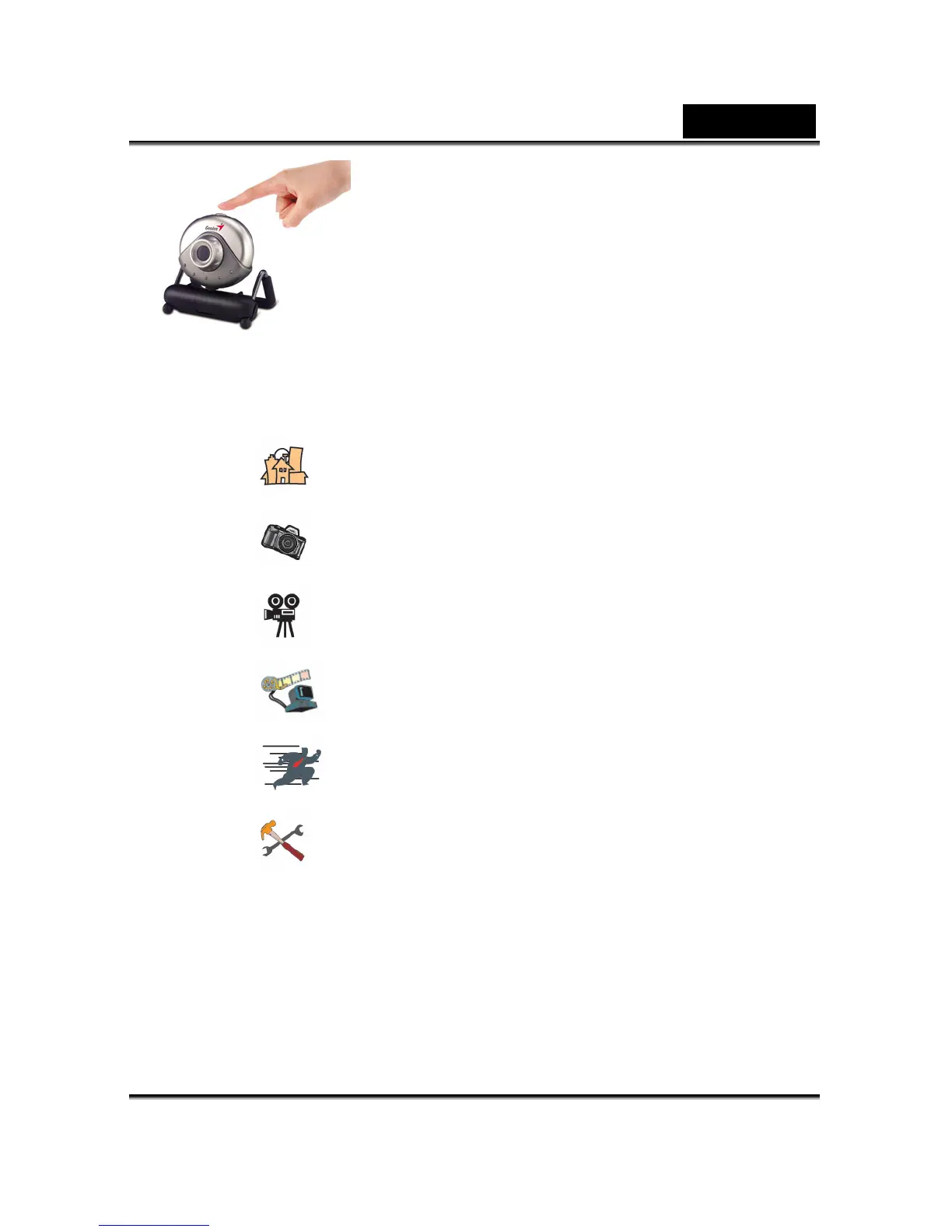
You can use the snapshot button to capture still
image or rotate the lens cover to adjust the
focus.
5. Function description for the major icon
5.1 Main Menu
A.
Preview mode
B.
Snapshot shot
C.
Video Clip Mode
D. Security monitoring system
E. Exit the Genius VideoCAM Series UI
F.
Camera Control
5.2 Preview Mode
You can use the functional buttons on the control panel to zoom in/out
and move upward/downward/left/right.












 To Next Page