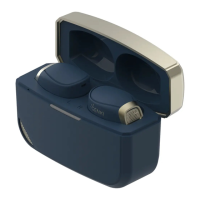
Wireless Charging
Getting Started
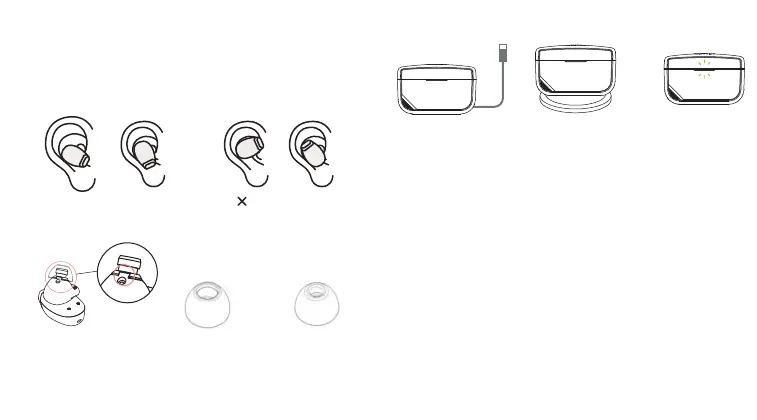
1. Peel off the insulation tape under the earbuds.
2. Wearing
Please find the right fit with the ear tips and wing tips
the wing tips are to be used with the eartips together.
Solid Green LED
USB Charging with
power source
3. Charge the Earbuds and case
4. Connect to your Devices
Direct Bluetooth 5.3 Connection
For a convenient wireless connection to your
Bluetooth-compatible device:
1. Open the SmartCase and remove the Waveform
Earbuds; the lights on the earbuds turn on and blink,
indicating pairing mode is active.
2. Check your Bluetooth settings in the source device
(smartphone, tablet, computer, game console) and pair to
“Waveform.”
Smart Case aptX Adaptive Connection
1. Plug the SmartCase into the PS5.
2. Open the case without taking the buds out; the case
should blink in green and blue.
3. Wait for the green light on the case to disappear.
4. Take out the earbuds.
Big ear Small ear Wrong Way
Wingtips must align with
the dent on the speaker.
Use with Foam or
Silicone tips
Passive noise islotaion
to enhance
ANC performance
For easy listening
and comfort
Wing tips Foam Tips Silicone tips


 To Next Page
 Loading...