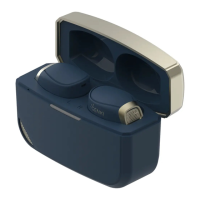
5. How to use the Waveform?
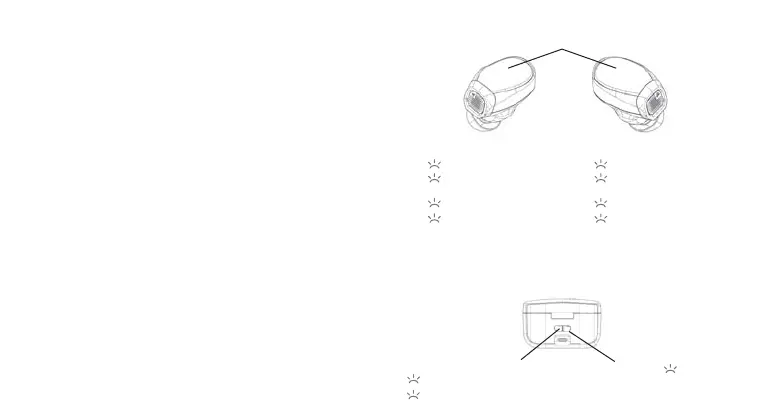
SmartCase Control
The SmartCase controls are only available when it is connected
via type C cable.
Touch sensor
Change Waveform/ SmartCase mic
2
Reset
Long press
Long press
12
Restart Waveform DualStream pairing
Disconnect
Waveform
Right EarLeft Ear
Play/ Pause
Pickup/ End Call
Play/ Pause
Pickup/ End Call
Volume +Volume -
Next Song Previous Song 22
ANC/ Transparent/
Regular
Voice Assistant
/ Mic Change (see 5.)
33
Hold Hold
DualStream Connection (Bluetooth and SmartCase)
1. Connect the SmartCase to the console.
2. Open the case without taking the buds out SmartCase
will blink in green and blue to look for the Waveform and
the DualStream Connection.
3. Wait for the green light on the case to disappear.
4. Take out the earbuds.
5. Look for “Waveform DualStream” Bluetooth connection
on the secondary audio source and connect
6. Hold the right ear to max out the volume if the volume is
too low for PS5.


 To Next Page
 Loading...