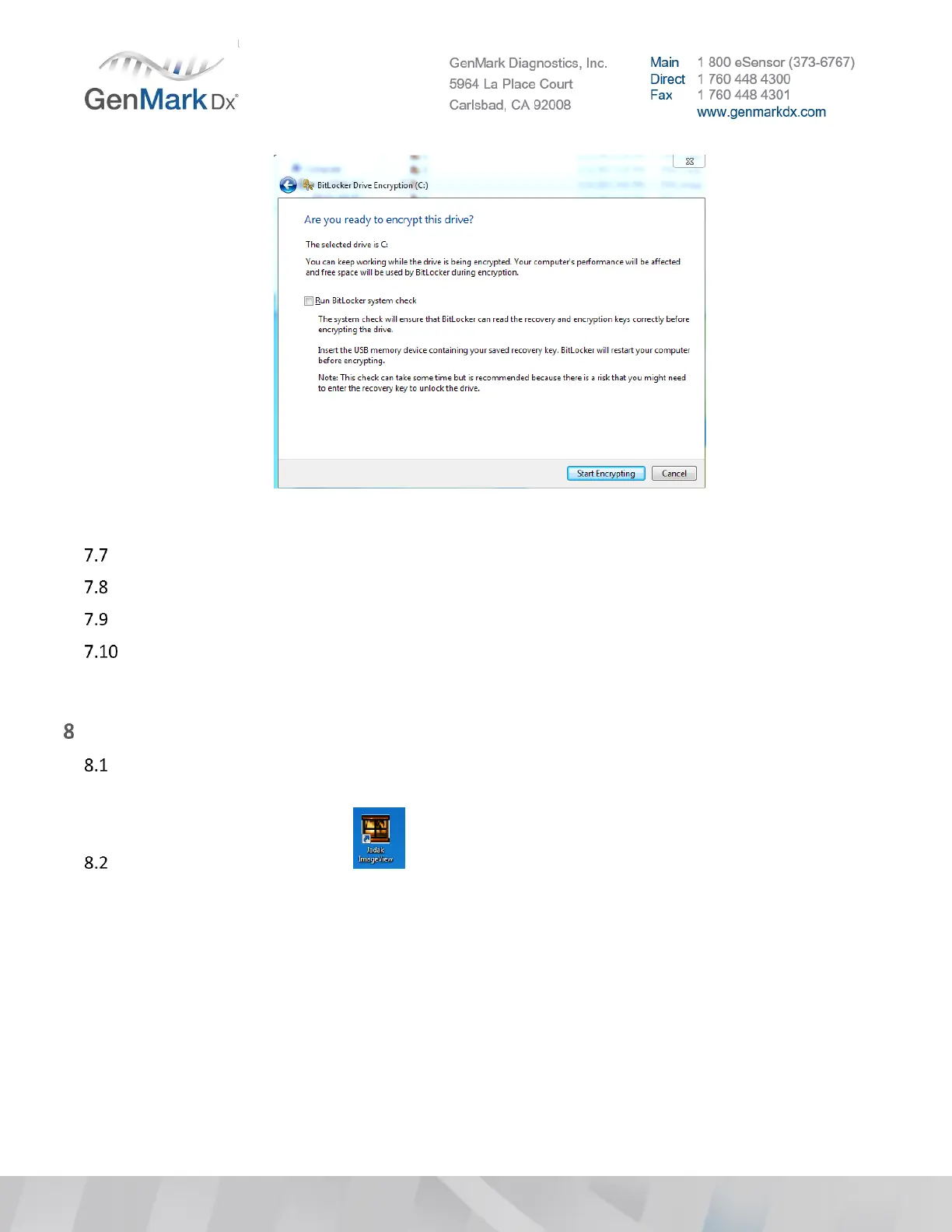
Figure 34 BitLocker Drive Encryption
Verify the Encrypting process is successfully finished.
Close all the windows and shut down the system (Power off).
Verify users can access the (C:\) drive and launch ISW without any issues.
Save the BitLocker Recovery Key in .txt format within the appropriate SalesForce account. Rename
the file to include: Bit Locker Recovery Key.xlsx in addition to the appropriate instrument serial
number for any necessary hard-drive access in the future.
Barcode Scanner Update
Plug in barcode scanner to USB port on the ePlex instrument or a Win7 laptop with Jadak ImageView
SW
Open Jadak ImageView SW



 To Next Page