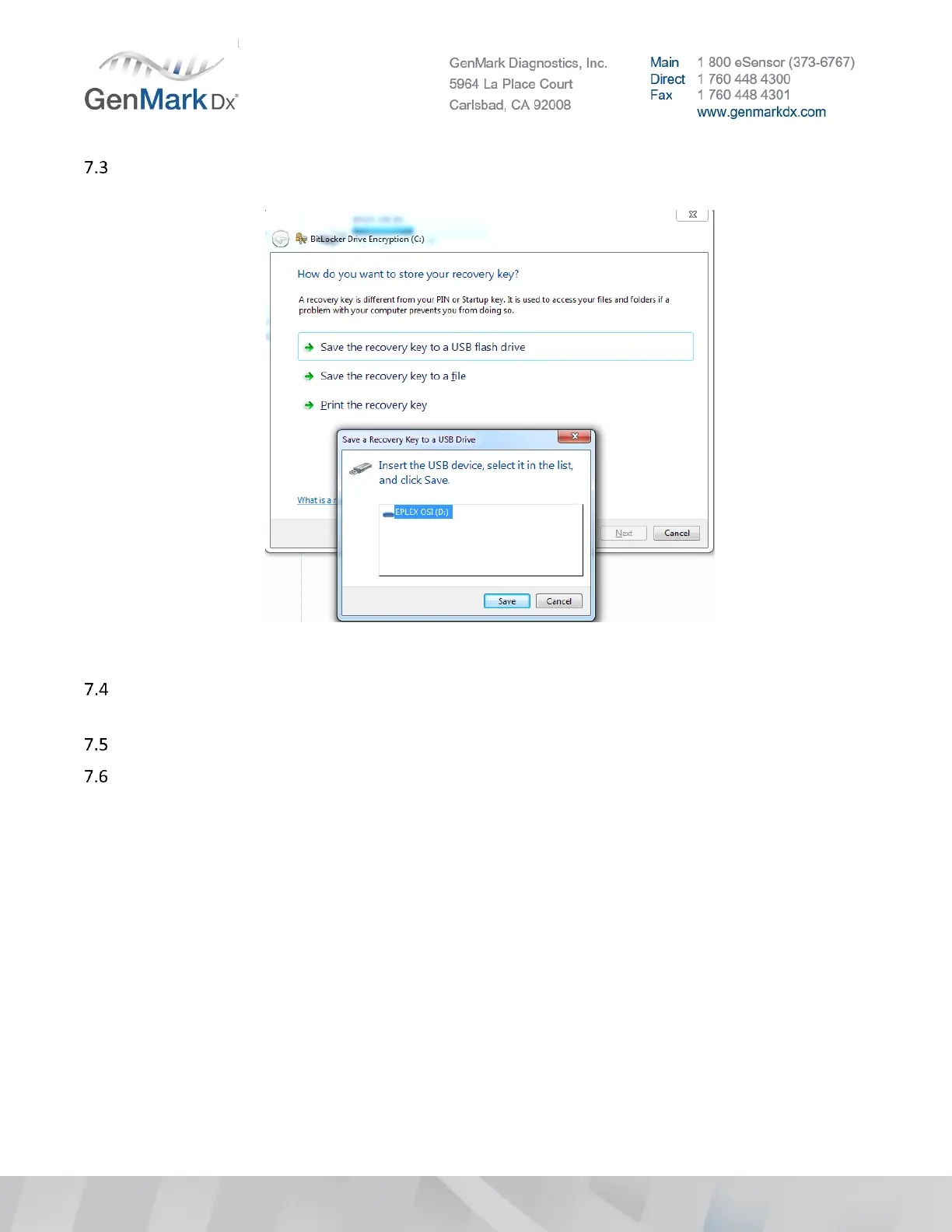
Insert any USB flash drive and select the option Save the recovery key to a USB flash drive then
select the USB drive and select Save. (DO NOT USE THE S/W IMAGE USB DRIVE)
Figure 33 Storing a Recovery Key
When successfully saved, you will notice the message Your recovery key has been saved then locate
the file in USB flash drive with the name BitLocker Recovery Key xxxx.
Click Next
Select Start Encryption button (This process will take more than 1 hour to encrypt all data in the
current hard-drive).



 To Next Page