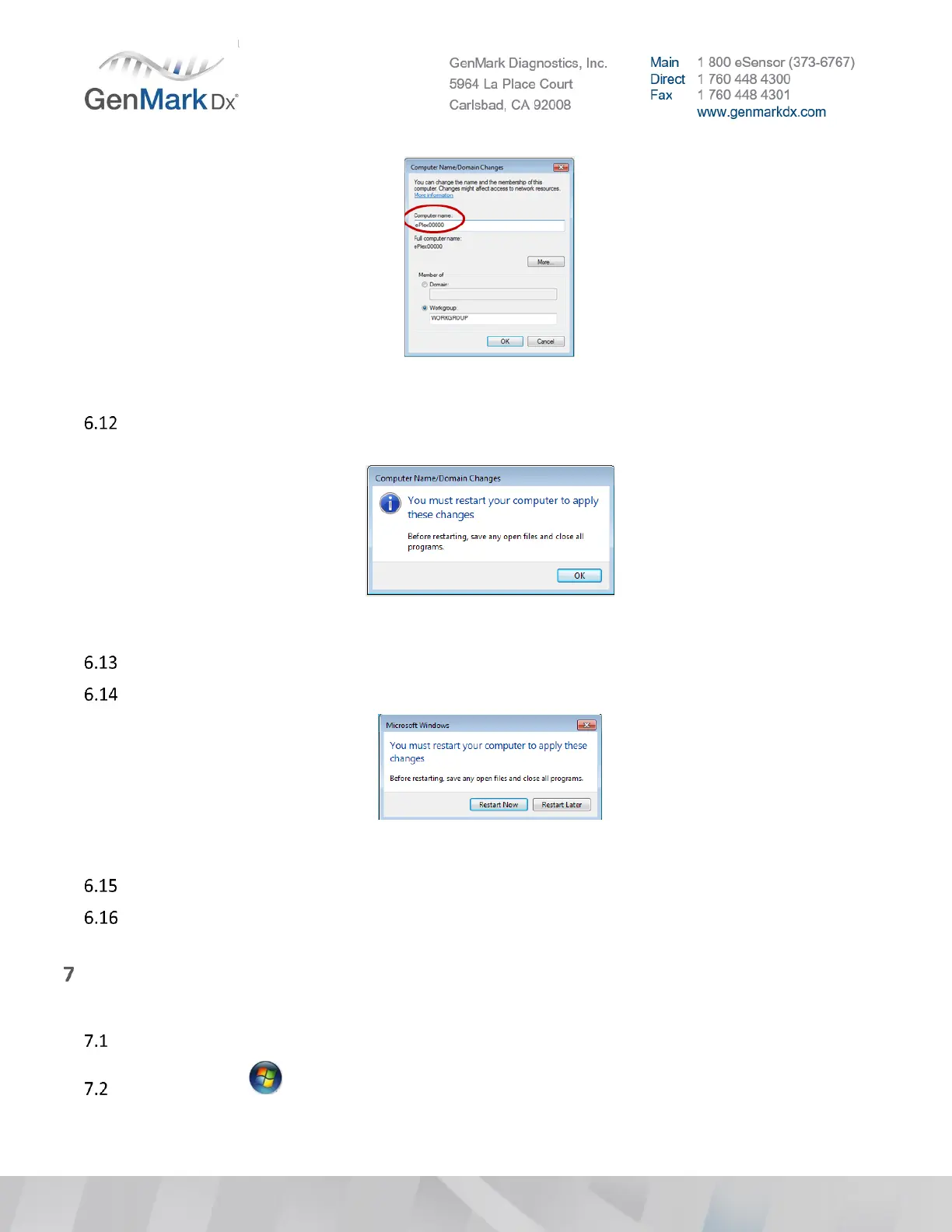
Figure 30 ePlex Computer Name Change
A notification window will appear as a reminder that the ePlex instrument must be restarted before
the changes can take effect. Click OK.
Figure 31 System Restart
Click Close in the System Properties window.
A notification window will appear, select Restart Now
Figure 32 Restart Now
Restart Windows OS.
Press Ctrl + Shift + F3 on the keyboard and logon under the GNMK Service account to access the
Windows Operating System.
Enable BIT locker (Optional)
Note: Enabling BIT locker requires OS image version 2 or greater.
Ensure OS Image 2.0 or greater is loaded.
Click on Start > Control Panel > BitLocker Drive Encryption then select option for Turn on Bit
Locker.



 To Next Page