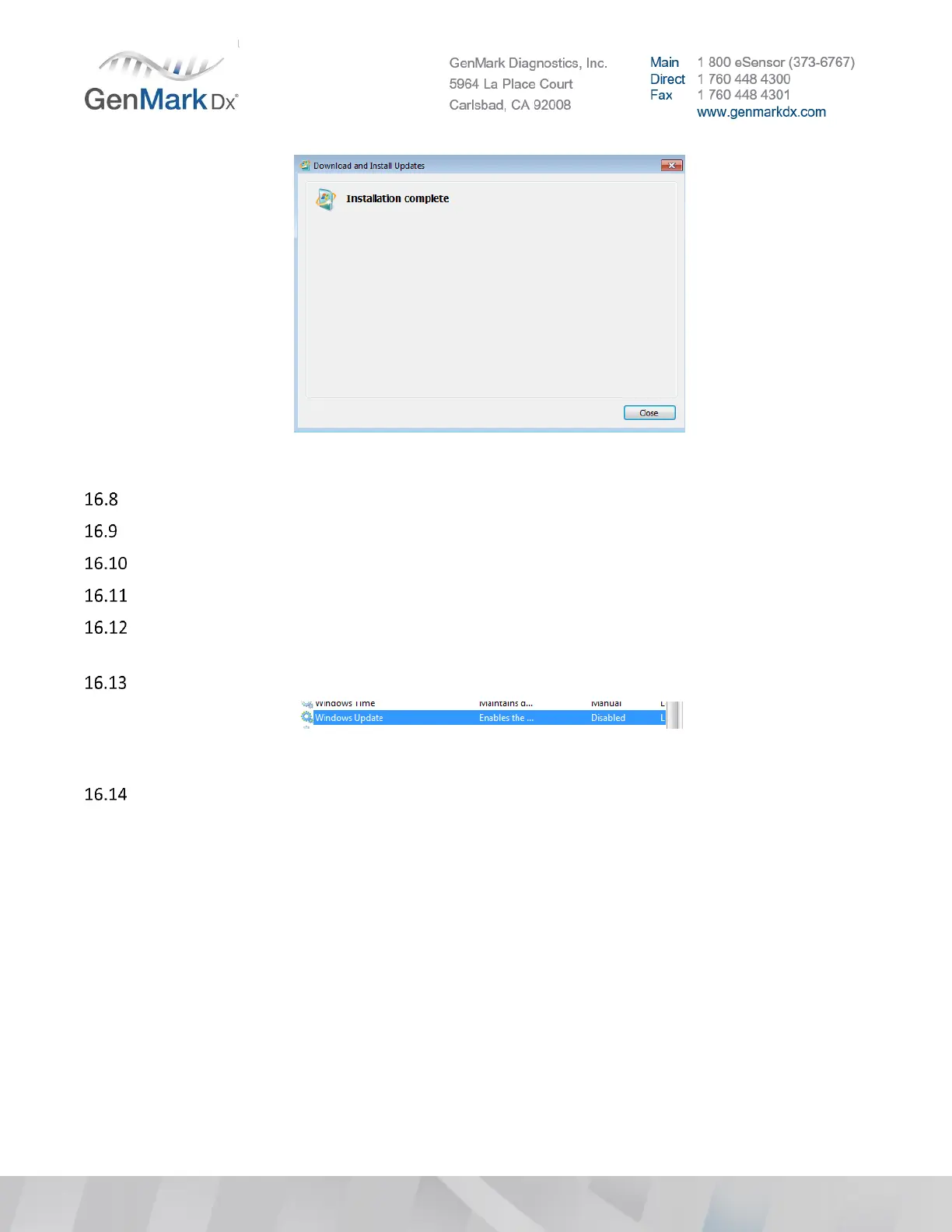
Figure 48 Installation Complete
Click on the Close button to finish the installation process.
Restart the system, log back to the ePlex system with GNMK Service user
Go to Control Panel > Administrative Tools and double click on Services
Change Window Update back to Disable.
Change Startup Type from Manual to Disable > press Apply > service status should update to
Stopped.
Verify that the service is updated to Disabled
Figure 49 Disabled Windows Update Service Confirmation
Go to Control Panel > Programs and Features > View installed updates, check what you just installed
is on the list.



 To Next Page