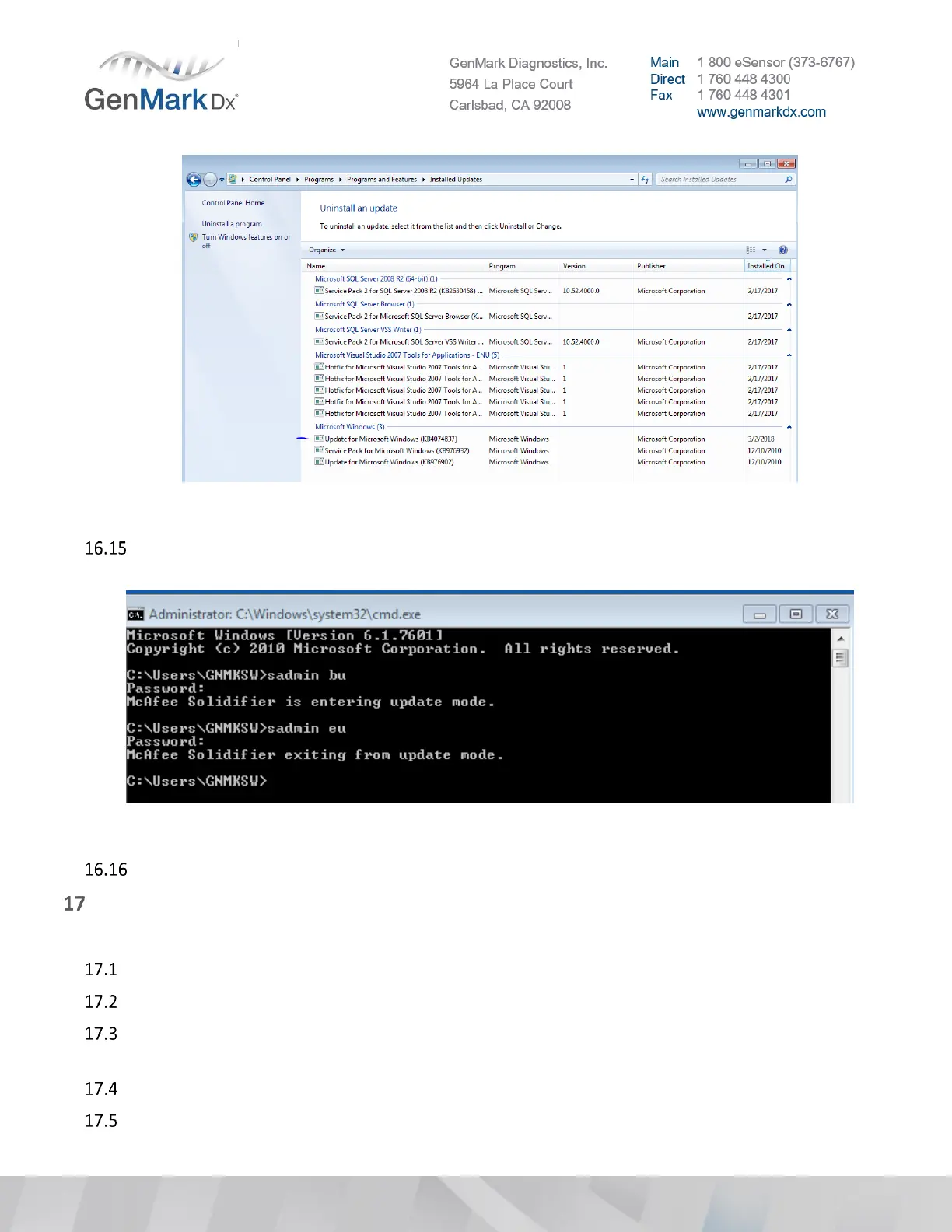
Figure 50 Installed Updates
Open the command prompt by typing cmd into the run box. Type sadmin eu to exit McAfee update
mode. Password is Genmark5964. Verify that McAfee Solidifier is exiting from update mode
Figure 51 Exit McAfee Update Mode
Reinsert the network Ethernet cable if unplugged during step
Remote Access Client Installation (Optional).
Note: Need active ethernet connection to install Bomgar Client
Go to Settings > General tab
Insert the USB drive that has the latest version of the released Bomgar or Jump Client
Click the Install Software button in the software section of the screen and navigate to the software
upgrade package on the USB drive.
Click the Select button to perform the Remote Access Client installation.
After software installation, the ISW will automatically restart.



 To Next Page