Go to settings > General tab> click the check box “Allow Remote Access”, then click Apply.
Printer Setup (Optional)
Note: For a network printer to be connected to the ePlex system, there must be an Upgrade Printer
package file (if the printer is supplied by GenMark) or a Network Printer Name from the customer.
Note: If a local printer is to be installed, a printer package file is required from GenMark.
Plug the printer USB cable (or network cable) in to the back of the ePlex instrument.
Power on Printer
Complete printer settings questions on Printer LCD with country specific settings and default
settings.
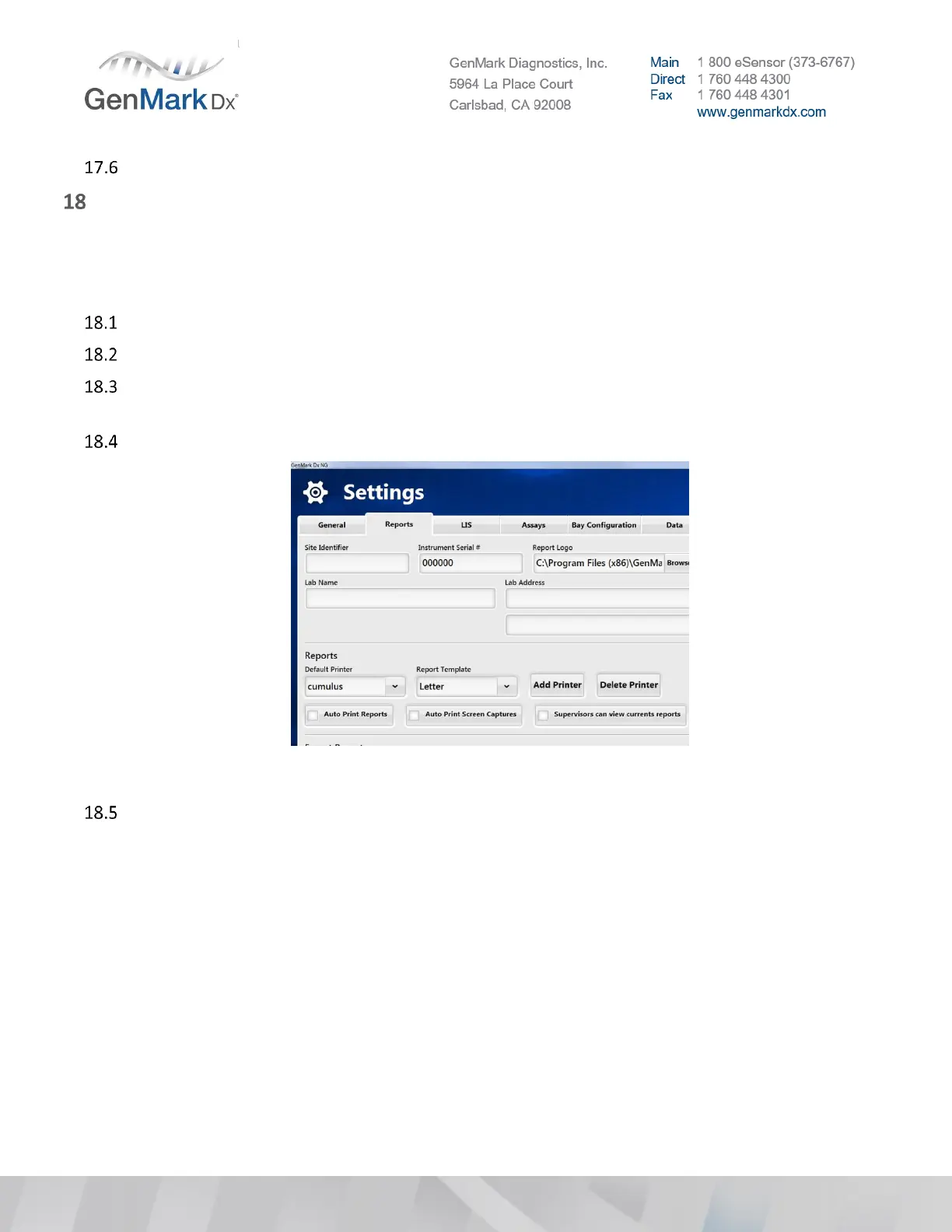
To add a printer, go to the Settings > Reports tab.
Figure 52 Settings > Reports
Select the Add Printer button to display the following screen:



 To Next Page