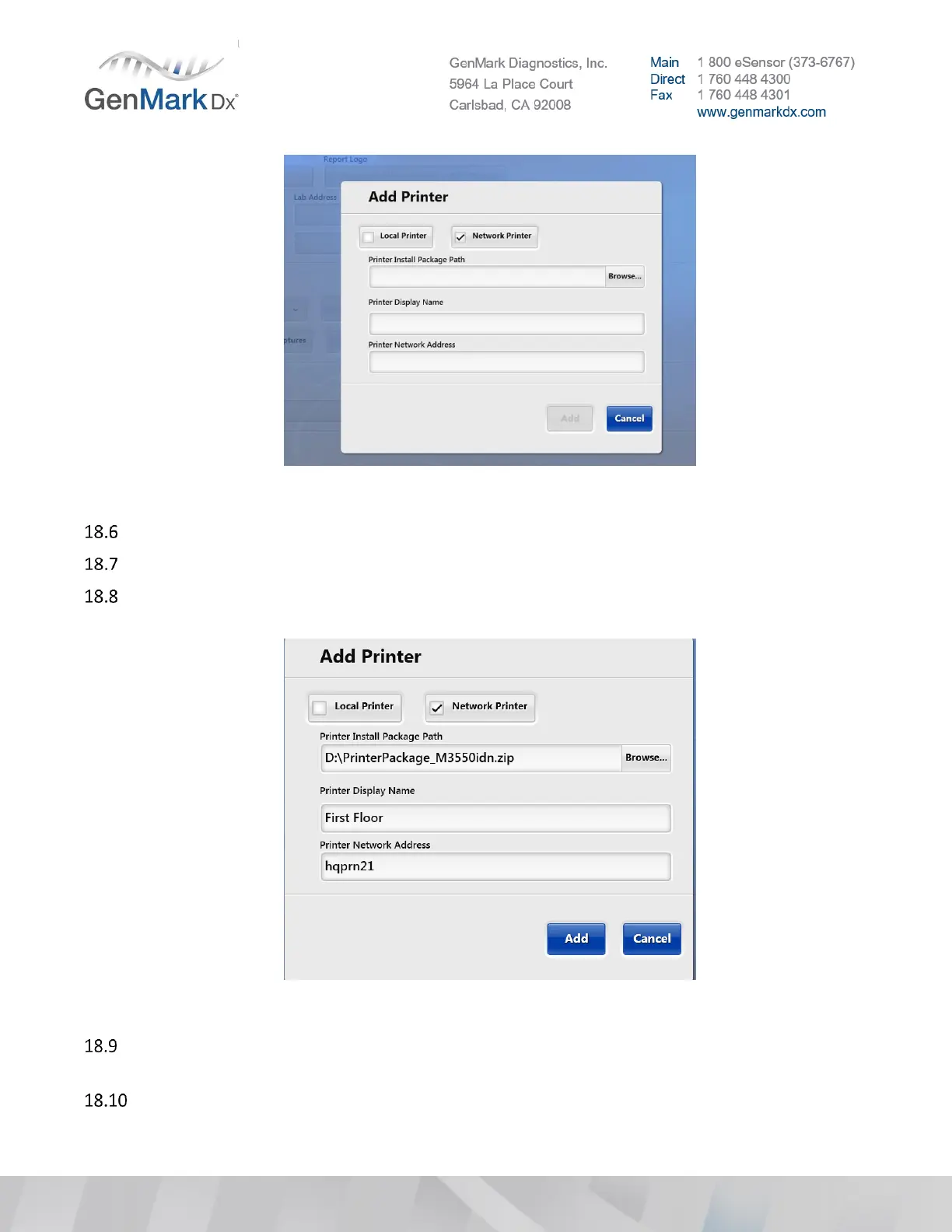
Figure 53 Add Printer in ISW
Select Local Printer or Network Printer, based on customer preference.
Use the Browse button to navigate to the printer package on the USB drive.
For a Network Printer, Enter the Printer Display Name and the Printer Network address (i.e. Hqprn21
or 192.168.2.40). See picture below for detail:
Figure 54 Add Network Printer
Click the Add button to finalize the Network Printer mapping. This process may take a few minutes
and should close the pop-up window.
The Network Printer should now be in the Default Printer drop down menu for selection.



 To Next Page