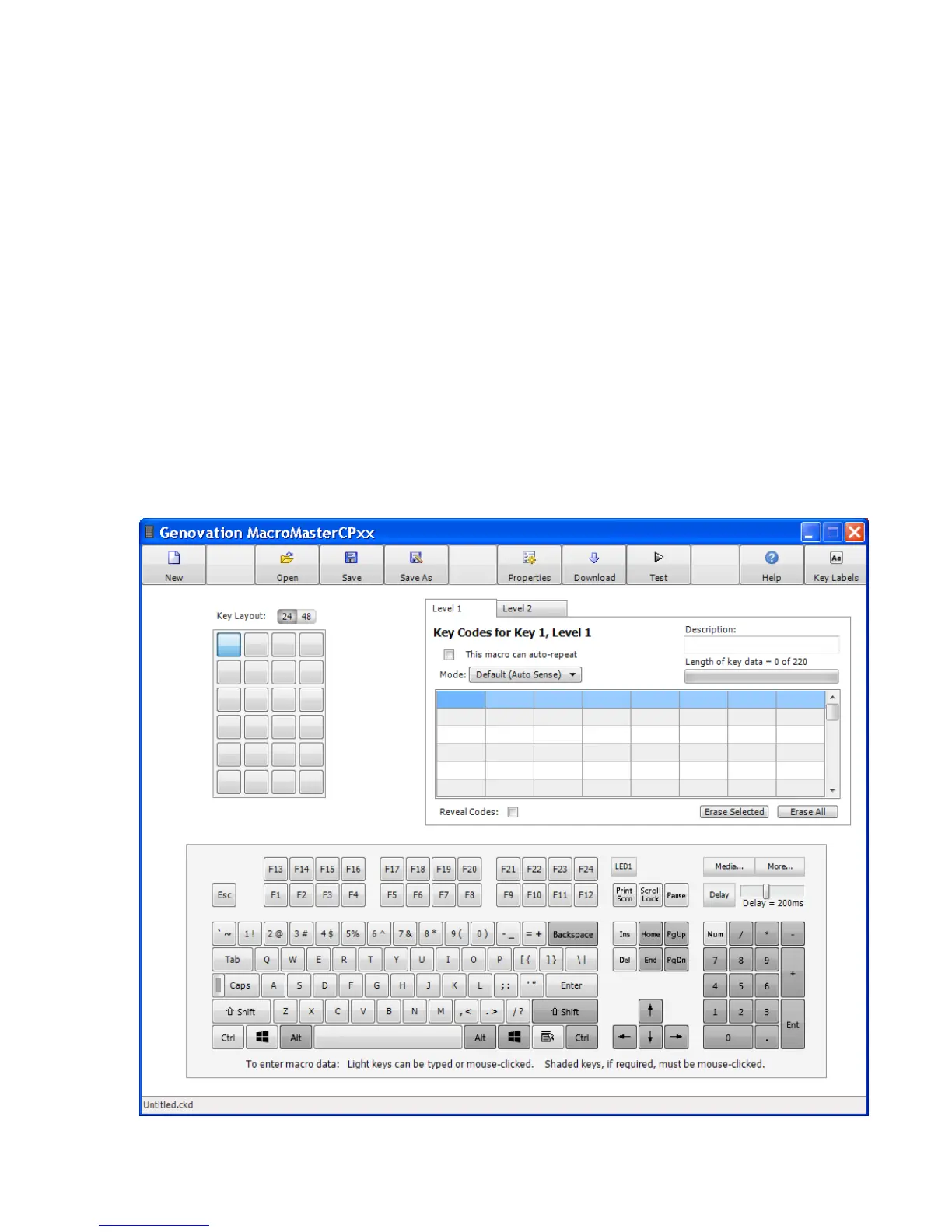
Run the MacroMasterCPxx program
Step # 1: Run the MacroMaster program.
MacroMaster is used to create, save, and download your key macros to
the ControlPad CP48-USB.
• Click on "Start"
• Click on "Programs"
• Click on "Genovation"
• Click on "MacroMaster CPxx"
• Click to run "MacroMasterCPxx"
The MacroMasterCPxx.exe application looks like this.


 To Next Page