
 Need help?
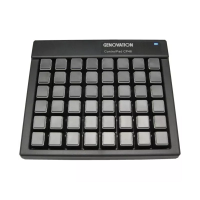
Do you have a question about the Genovation ControlPad CP48 and is the answer not in the manual?
Introduction to programming the ControlPad CP48 device, assuming software installation and USB connection.
Instructions on launching the MacroMaster application to create, save, and download key macros.
Guide on selecting specific keys on the CP48-USB device within the MacroMaster program.
Methods for entering keyboard keystrokes to record macros using mouse clicks or PC keyboard.
Process for saving created macro definitions to a file using the 'Save as' function.
Steps to download saved macro definitions to the ControlPad CP48-USB, including reset indications.
Instructions for testing programmed macros using the MacroMaster 'Test' button and application.
 General
| Brand | Genovation |
|---|---|
| Model | ControlPad CP48 |
| Category | Computer Hardware |
| Language | English |

 To Next Page