EasyManua.ls Logo

Genway 2018D - User Manual

Genway 2018D
6 pages
Print Icon
To Next Page IconTo Next Page
Loading...
(VER:V1.10)
Please read this user manual carefully
it for future reference.
together with /System User Manual/
before using the products. Please keep
C-5 Single-Channel Syetem
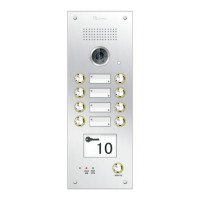
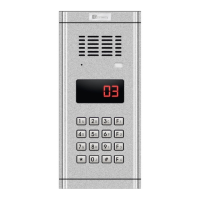
G9 Direct-Call Door Station Series
USER MANUAL
Question and Answer IconNeed help?

Do you have a question about the Genway 2018D and is the answer not in the manual?

Summary

1. Product Introduction

2. Product Features

3. Specifications

4. Appearance & Ports

7. Operation

Door Release Methods

Details four methods for releasing the door: indoor phone, ID card, service button, and exit button.

Scan Monitor Function

Guides on how to scan a visitor's image from the indoor phone.

5. Installation

Dimensions and Mounting

Specifies product dimensions and illustrates mounting process with notes on groove depth.

6. Camera Adjustment

Name Tag Replacement

Step-by-step guide on how to replace the name tags on the door station.

Genway 2018D Specifications

General IconGeneral
BrandGenway
Model2018D
CategoryIntercom System
LanguageEnglish

Related product manuals