5/22
EN
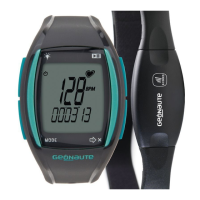
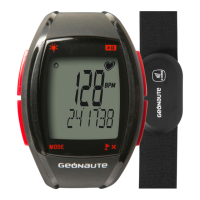
The ON rhythm 310 access is an easy-to-use heartrate monitor that
helps you manage your exertion better when exercising.
You can use it to achieve your aims easily (weight loss, endurance
etc.) working in the appropriate target zone.
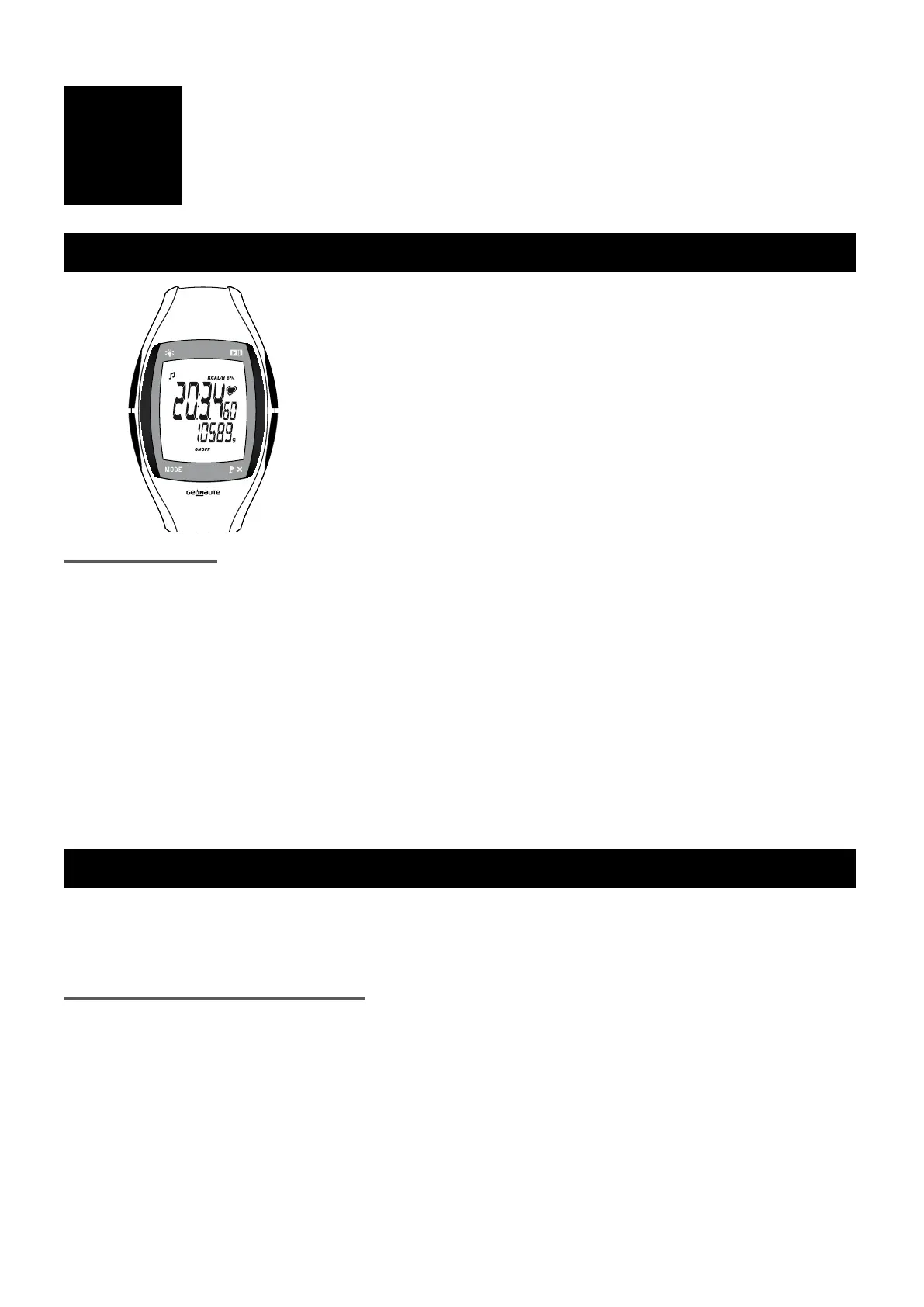
1/ Device and navigation diagram
A: STR/STOP: Start/stop the stopwatch. Activate or
deactivate a function.
B: VIEW: Change the information on the second
line. Scroll down settings values, reset
stopwatch.
C: MODE: Navigate between modes (time, cardio,
calories, data, settings).
D: LIGHT:
Activate backlighting.
Navigation system: The navigation diagram is at the beginning of the manual (diagram 3).
ve main modes: press MODE to change between modes.
- TIME : permanently displays the time and date.
- CARDIO : training mode with heart rate as the main data item.
- CALORIES : training mode with calories burned as the main data item.
- DATA : training report from your last workout.
- SETTINGS : all the device's settings: height, weight, target zone, etc.
In cardio, calories, data and settings modes, press VIEW to scroll through the various data items.
2/ Use / Precautions for use
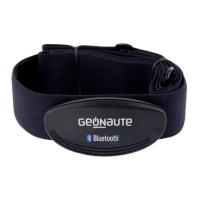
This heart rate monitor is made up of a watch and a chest strap. The watch is designed to be worn on the
wrist or placed on a bicycle holder during various sporting, physical activities in a temperate climate. The
chest strap has a 32 channel coded transmitter. You must be inside the reception area (diagram 2).
User limitations / precautions for use:
All precautions for use and restrictions are listed page 3 of these instructions.
WARNING!!!
This equipment is designed for sports and leisure use. It is not a medical monitoring device. The information
provided by this equipment or manual are only used by way of example and must only be used to monitor a
medical disorder after consulting and obtaining agreement from your doctor.
A
B
D
C


 To Next Page
 Loading...