23
English
eral any symbol present on the chart. By querying the lights
and navaids, the X-Plain™ function will give the description
of the object in natural language, thus avoiding the use of
abbreviations and symbols that are difficult to understand.
By querying the symbols for wrecks or obstructions,
NAVIONICS Platinum™ or Gold™ charts will provide the most
detailed information available. For example, as far as a boat is
concerned, the chart will show its name, the wreck year, the
hull length, the depth, etc.
Chart presentation mode
The symbols used to represent the objects on the chart (buoys,
lights, landmarks, etc.), as well as chart colors, can be se-
lected between paper-chart International or US styles.
Press GOTO to display the menu, select SETUP, then PRESEN-
TATION (INTER. or US).
Displaying port services
NOTE: This function is available only with
the NAVIONICS cartridges containing the Port
Services features. If NAVIONICS Gold™ car-
tridges are used, the supported functions will
be those provided by the chart plotters em-
ploying only Gold™ charts.
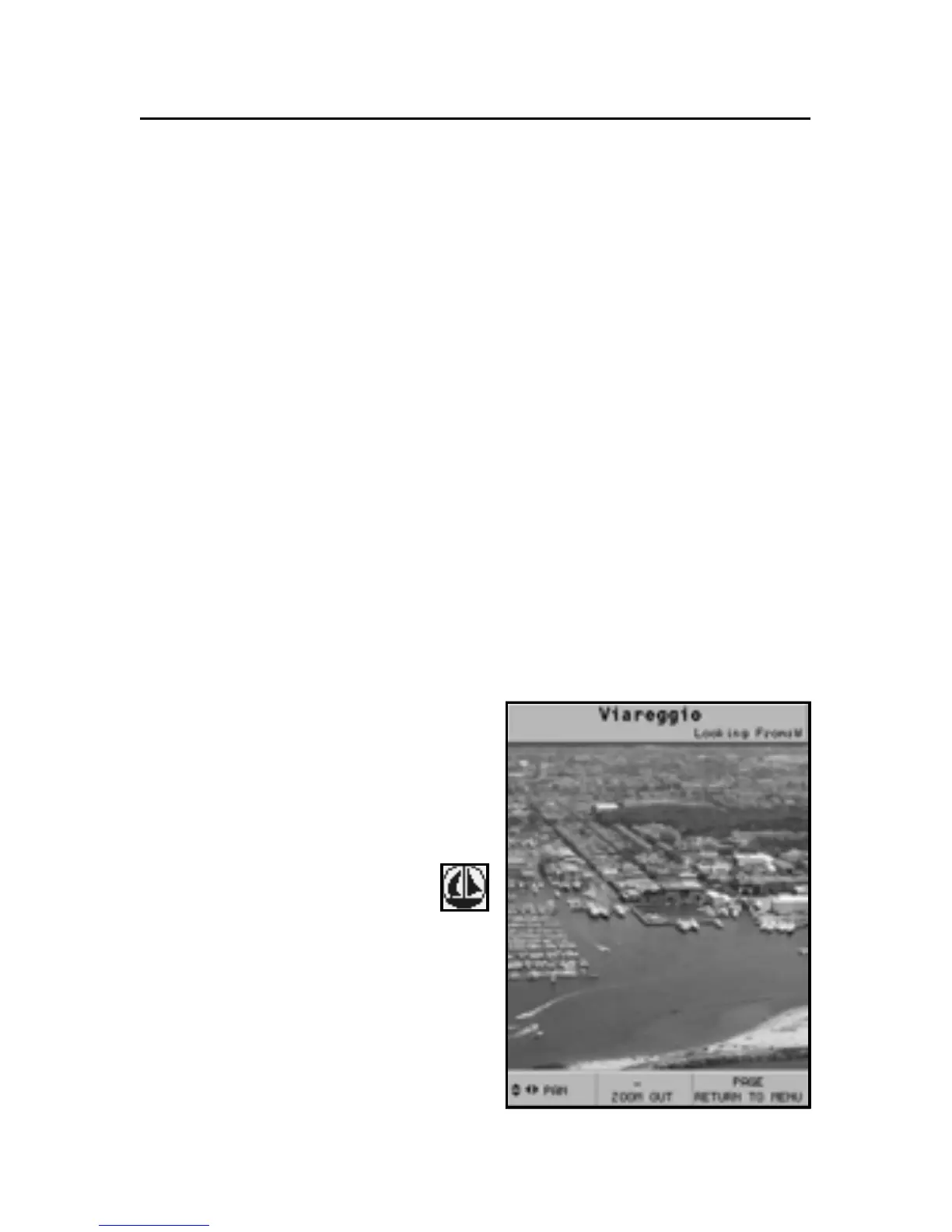
Position the cursor on the
port icon and press ENTER.
A menu will show the options
PORTS, PHOTOS, PILOTS and
INFO. Select PORTS to display
the list of the possible marinas
present in the current port:
choose the desired marina and
press ENTER to display the infor-
mation available.



 To Next Page