24
English
Select PHOTOS, choose one item
from the list to display one of the
photographs available for the
marina, then use the ZOOM key
to enlarge or reduce the image,
and the joystick to pan it.
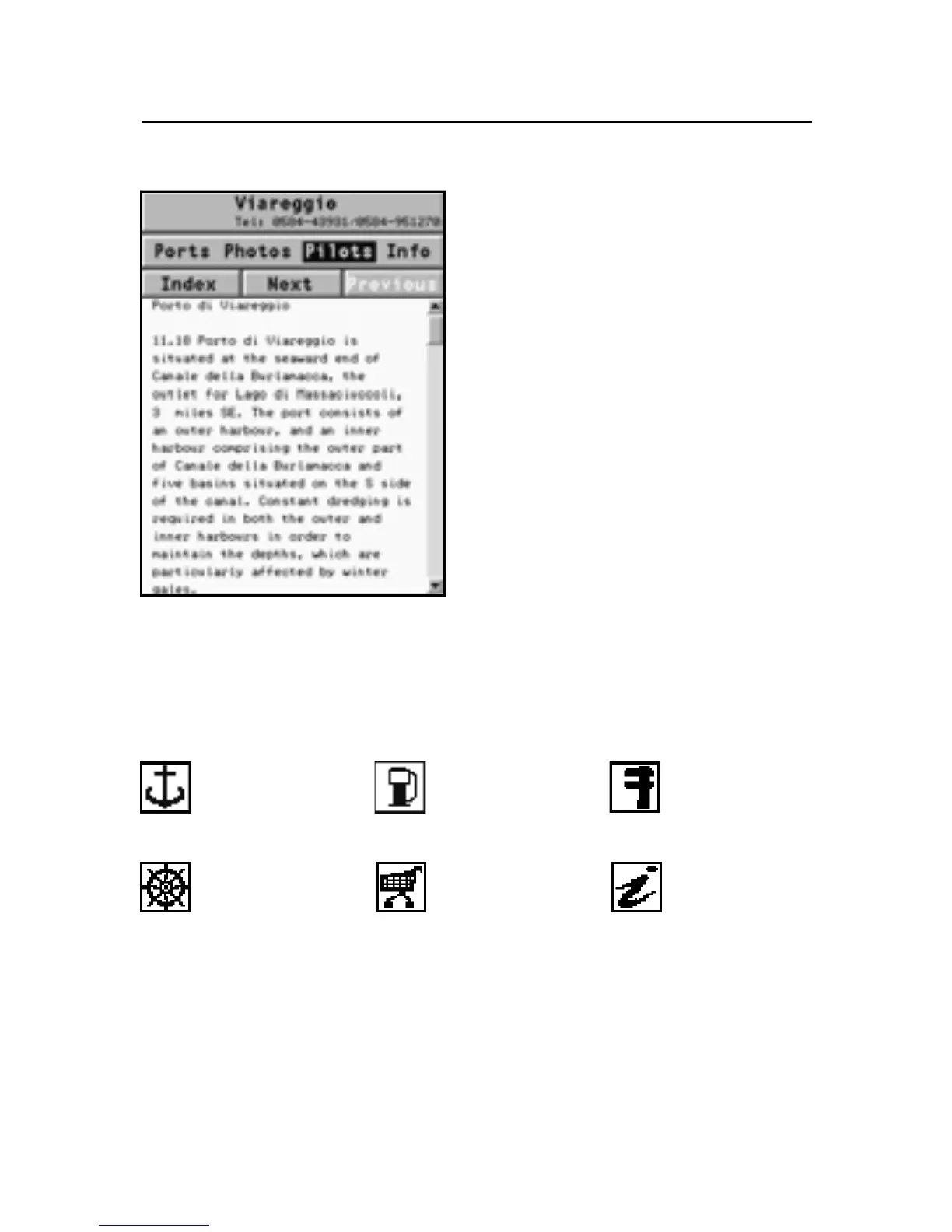
Select PILOTS to gain access to
the main information on the
marina. To display the detailed
information available, select the
INDEX option from the submenu.
Select INFO to display the list of
the services available; a window
will show the list of the port ser-
vices available in the port se-
lected. Choose the service desired by the joystick. The num-
ber and the type of icon differ from one port to another.
Port services are identified by the following icons:
Once displayed the list of the services available, those shown
in light blue offer further information; select one of them by
the joystick and press ENTER to display the additional data
available, such as the address, telephone number, business
hours, etc. Press ENTER again to carry out a GOTO operation to
the service selected.
NAVIONICS Electronic Charts
Fuel
Customer
services
Repairs
Provisions Information
Info marina



 To Next Page