61
English
MARKER
Markers are used to identify points of interest to which names
and symbols can be assigned.
NOTE: Marker names are displayed starting from the 32 NM chart range.
CURSOR MODE
Inserting a marker
Move the cursor to the position desired and
hold the ENTER key pressed for more than 2
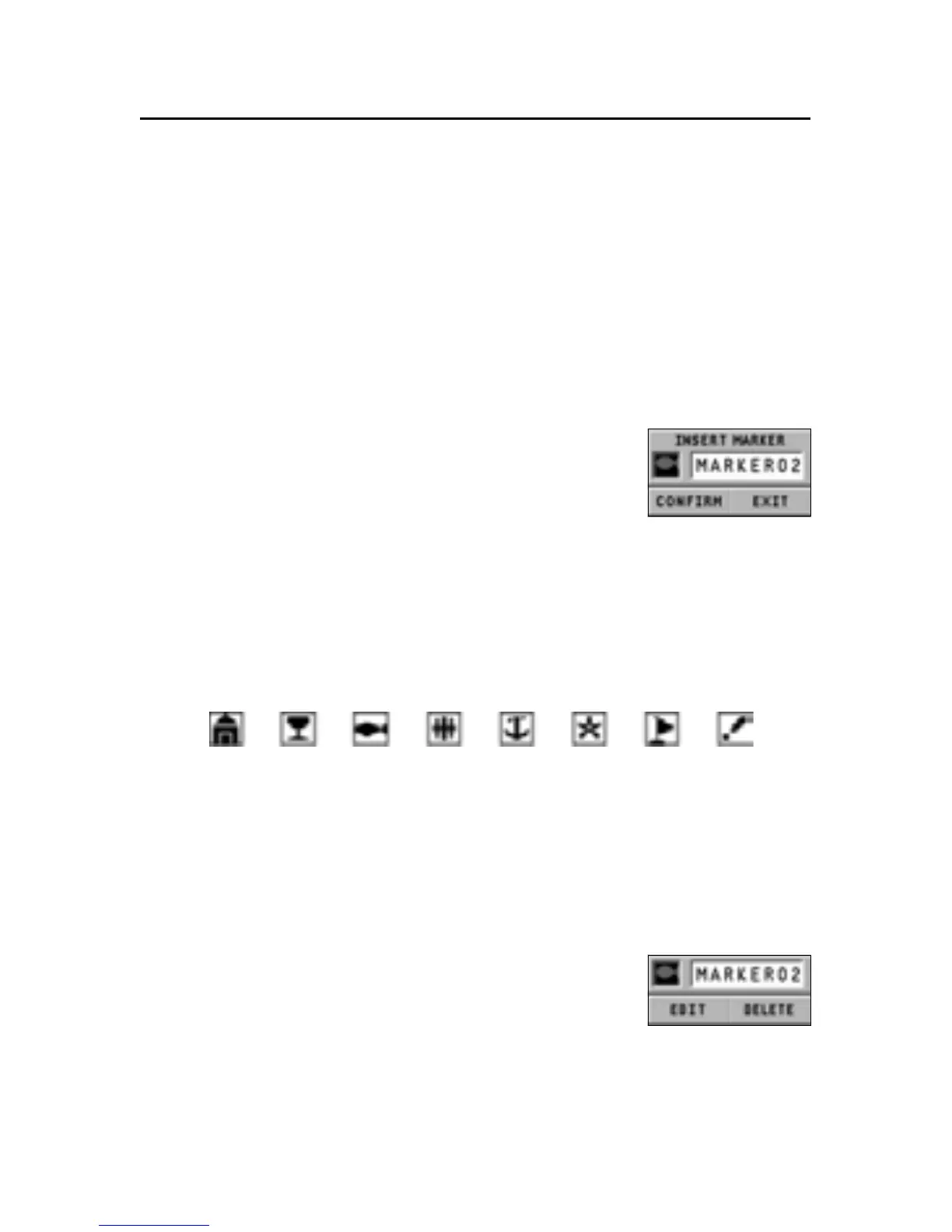
seconds. A window will display the symbol
and a name automatically assigned to the
marker.
Use the joystick to change the marker symbol (8 symbols avail-
able) and name (max. 8 characters) according to the type of
marker to store (e.g., fishing spots, wrecks, rocks, etc.). The
marker symbols available are the following:
Press ENTER to confirm the insertion.
NOTE: The cursor can be moved to the desired position also by using most of the
GOTO functions. See the relevant sections for further details.
Changing a marker name/symbol
Position the cursor on the marker desired and
press ENTER; a window will display the sym-
bol and the name previously assigned to the
marker selected. Press ENTER, select the EDIT
option, then use the joystick to change the marker name and
symbol. Press ENTER to confirm the operation.
Marker



 To Next Page