62
English
Marker
Deleting a marker
Position the manual cursor on the marker to delete, press
ENTER, select the DELETE option from the menu, then press
ENTER again.
NAVIGATION MODE
Inserting a marker
Press the ENTER key to insert a
marker at the boat’s position. A
window will display the symbol
and the name automatically as-
signed to the marker; to change
the marker symbol and name
according to the type of marker
to store (e.g., fishing spots, sub-
merged wrecks, rocks, etc.), use
the joystick.
Press ENTER to confirm the in-
sertion.
Route to a marker
Press the GOTO key and select MARKER, CURRENT, GOTO
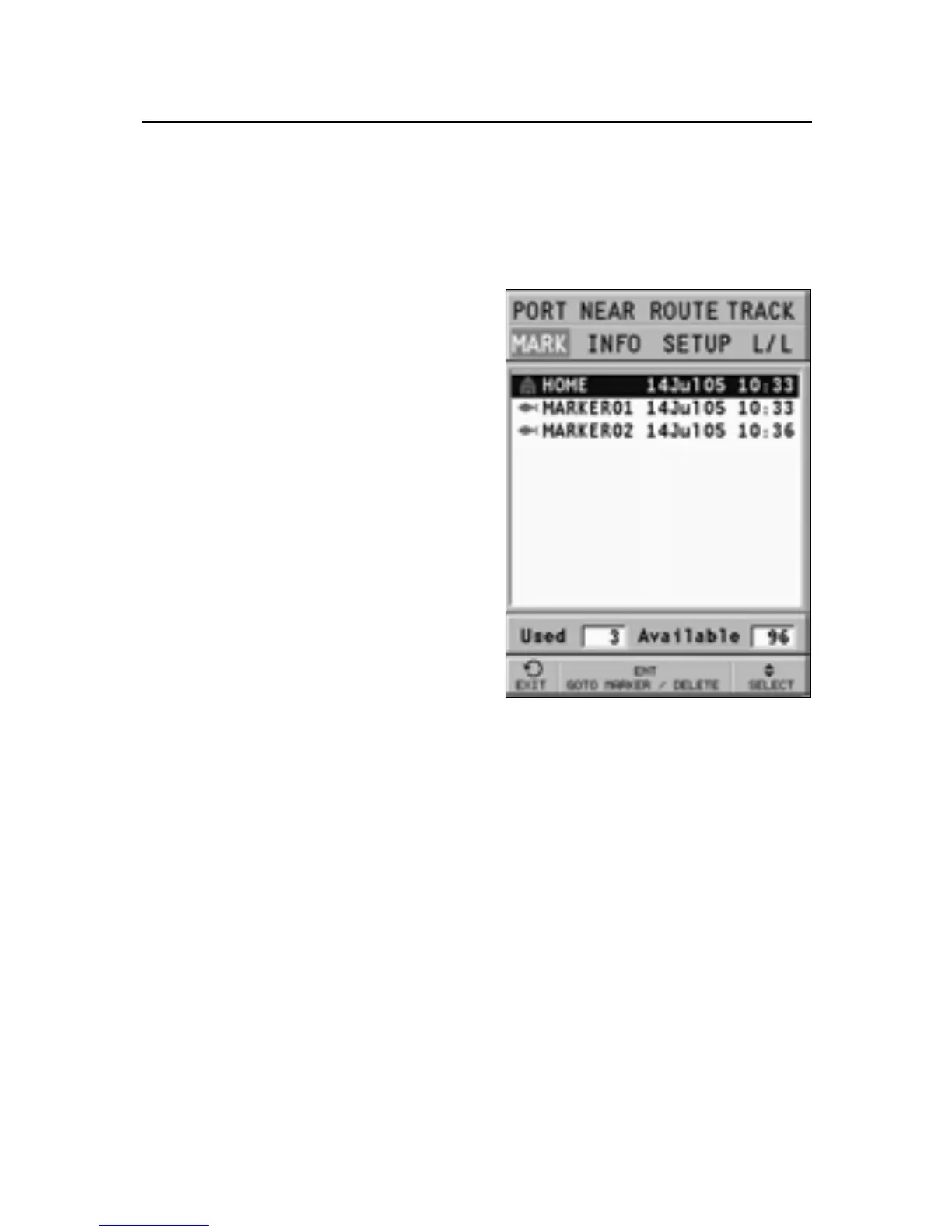
MARKER by the joystick. The catalog displayed will list, with
respect to each marker, the symbol, the name, the insertion
date and time.
Moreover, the catalog shows the number of markers entered
in the current page and the number of markers still available.
By using the joystick, choose the desired marker (the latest 8
markers used will be highlighted) from the catalog displayed,
press ENTER, select GOTO MARKER, then press ENTER again to
confirm the operation.
Once the desired marker has been selected, the GEONAV will
insert a waypoint at the marker position and append the new
leg to the existing route (if no route is available, the new
waypoint will be connected to the boat’s position).



 To Next Page